Contents
Best Studio Monitors for a Bedroom Studio in 2026
TL;DR: The best studio monitors for a bedroom studio balance accurate frequency response with room-friendly bass management. For most setups, near-field monitors in the 5–8“ range hit the sweet spot — the Yamaha HS5 and Adam Audio T5V consistently top the list. Budget under $300/pair? The Kali Audio LP-6 V2 is the clearest value in the category.
Why Bedroom Studios Need Different Monitors
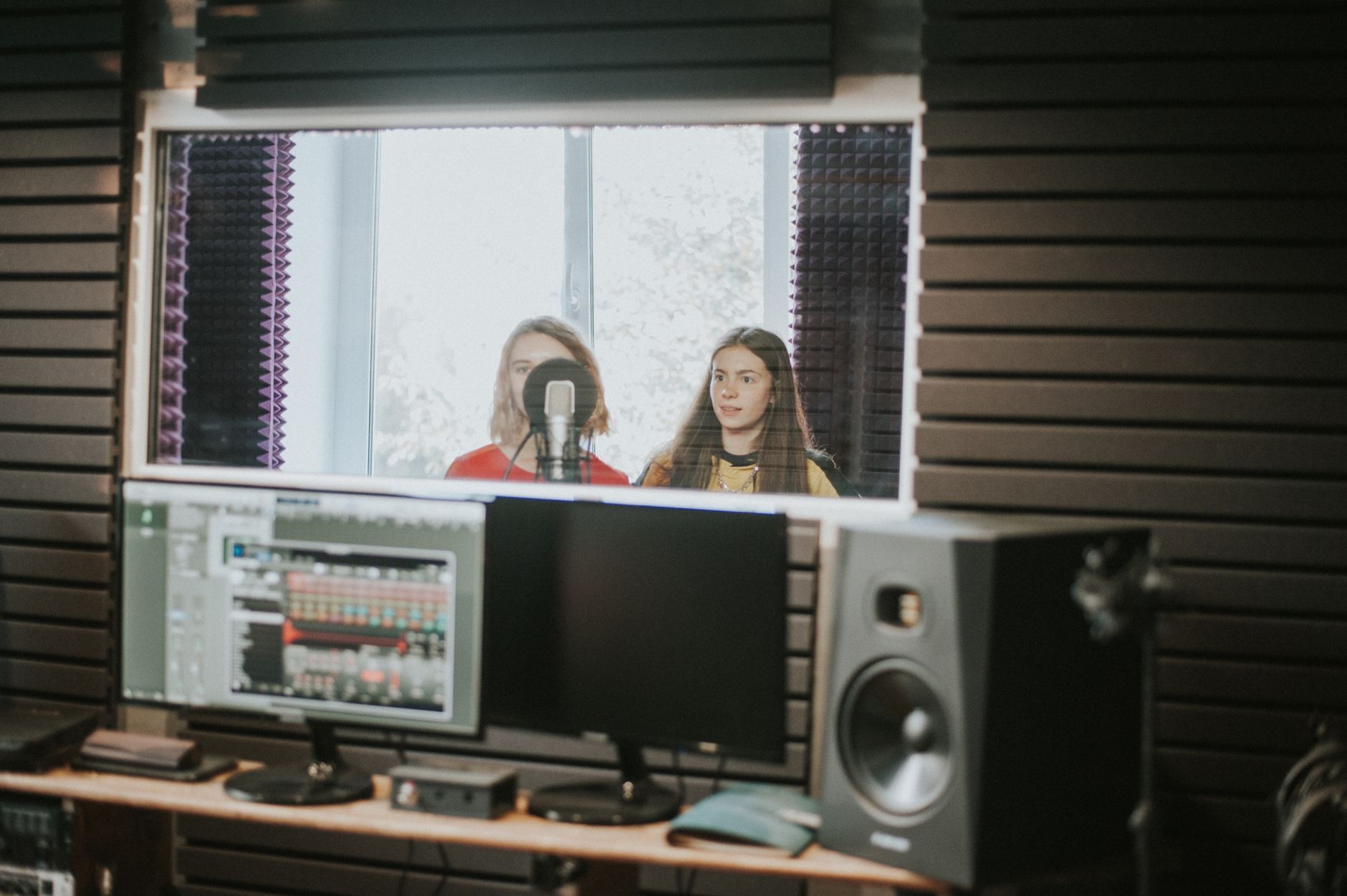
The best studio monitors for bedroom use are purpose-built near-fields with boundary EQ controls, not scaled-down versions of pro studio gear. Bedroom rooms are acoustically hostile — parallel walls, no treatment, and early reflections destroy low-end accuracy. Monitors that compensate for placement near walls and desk surfaces save you from chasing phantom bass problems for hours.
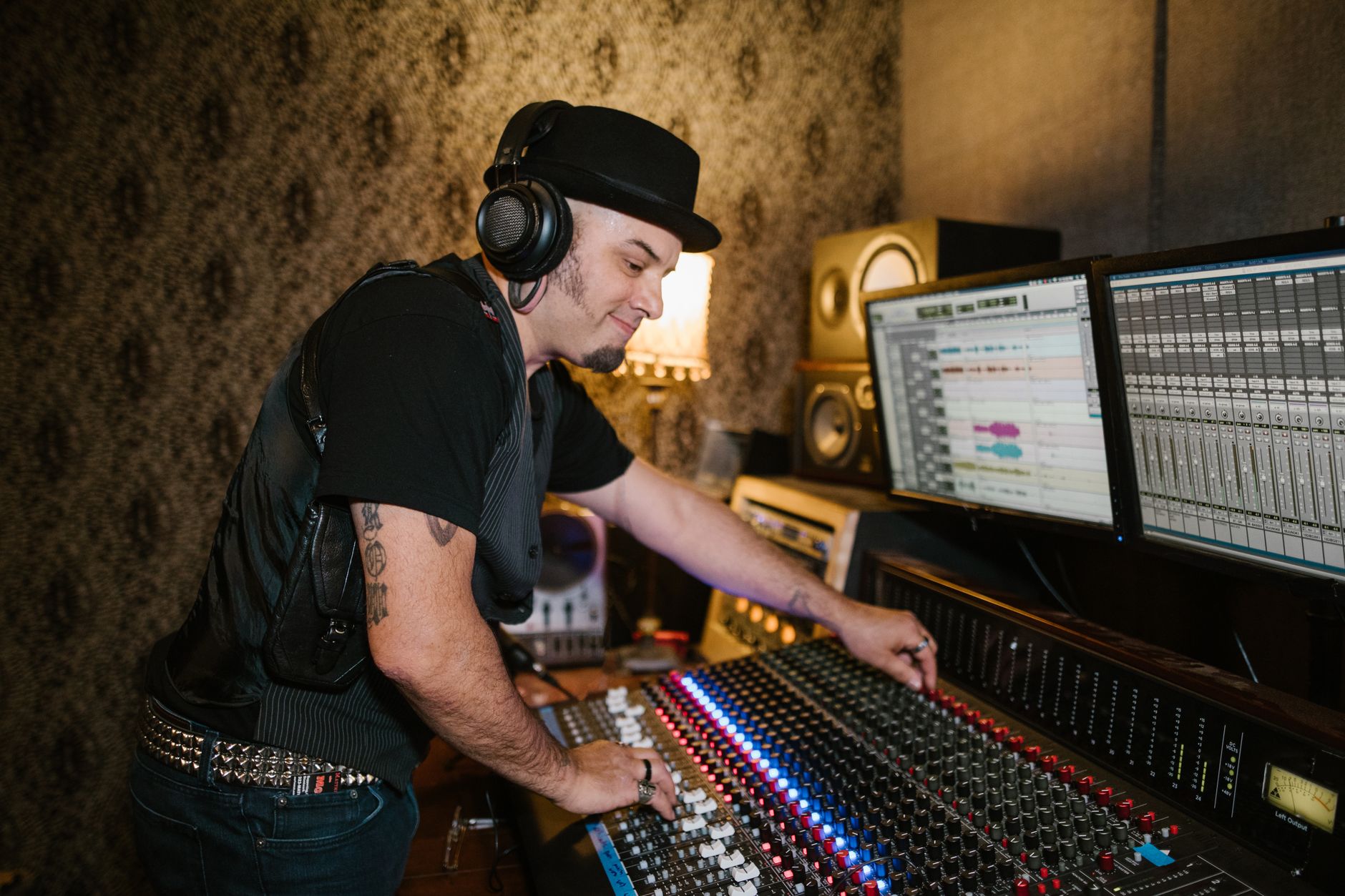 Photo: RDNE Stock project via Pexels
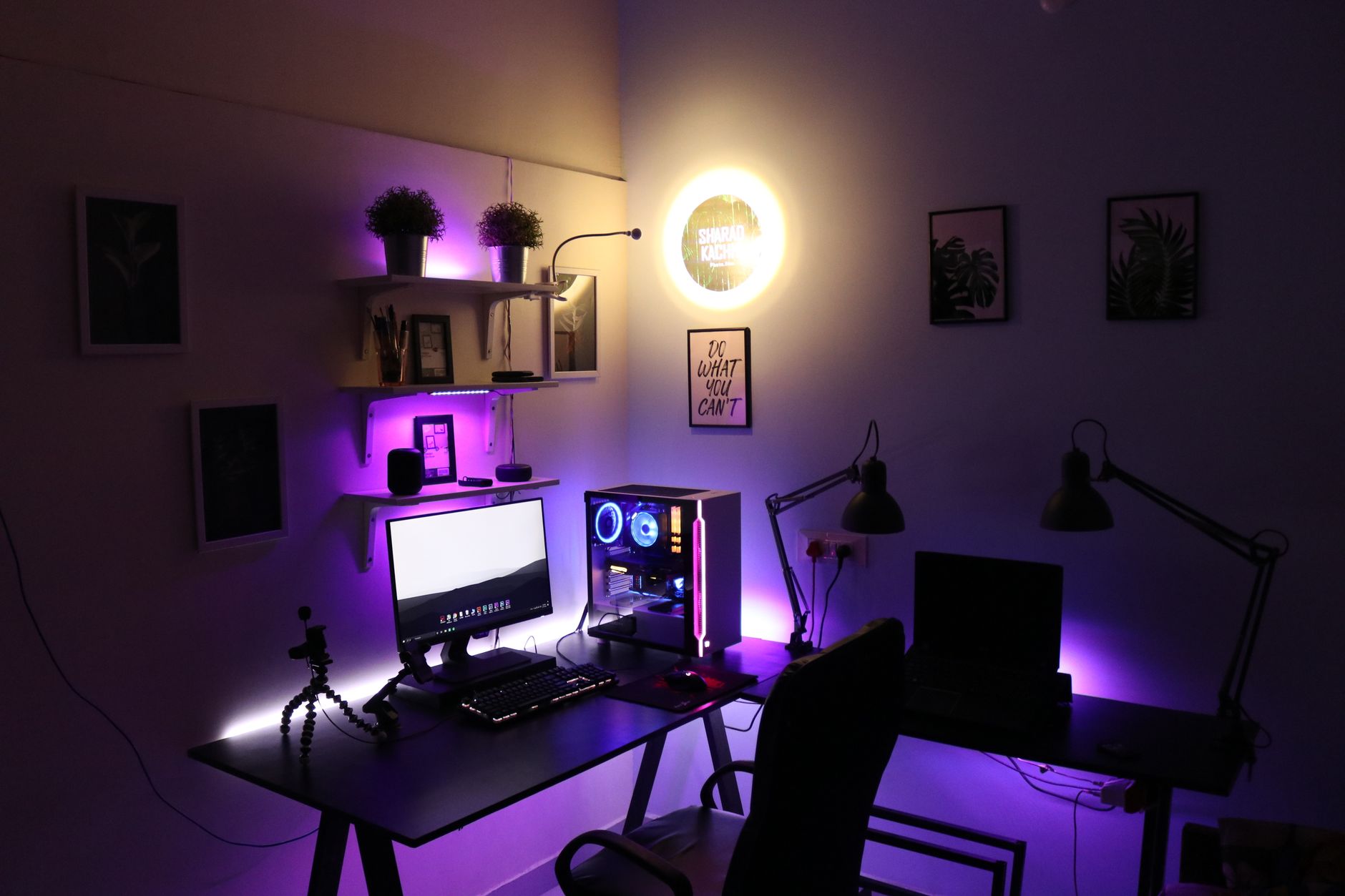
Most bedrooms share the same problems: the desk puts your monitors near a wall (boundary reinforcement), parallel walls create standing waves, and most people can’t afford (or don’t want) full acoustic treatment. The right monitor helps you work around the room rather than fight it.
What to look for:
| Feature | Why It Matters in a Bedroom |
|---|---|
| Boundary EQ / Low-shelf trim | Compensates for wall proximity bass boost |
| 5–6“ woofer | Tighter low-end control than 8“ in untreated rooms |
| Near-field design | Intended to be heard at 3–6 ft, not across a large room |
| Bi-amplification | Separate amps per driver = cleaner separation |
| Flat frequency response | Accurate mixes translate to other playback systems |
The Best Studio Monitors for Bedroom Studios in 2026
These six monitors cover every bedroom producer’s budget and use case, from first-time setup to semi-pro mixing. All have been selected based on documented frequency response measurements, published user consensus, and expert reviews from sources including SoundOnSound, Sweetwater, and AudioScienceReview.
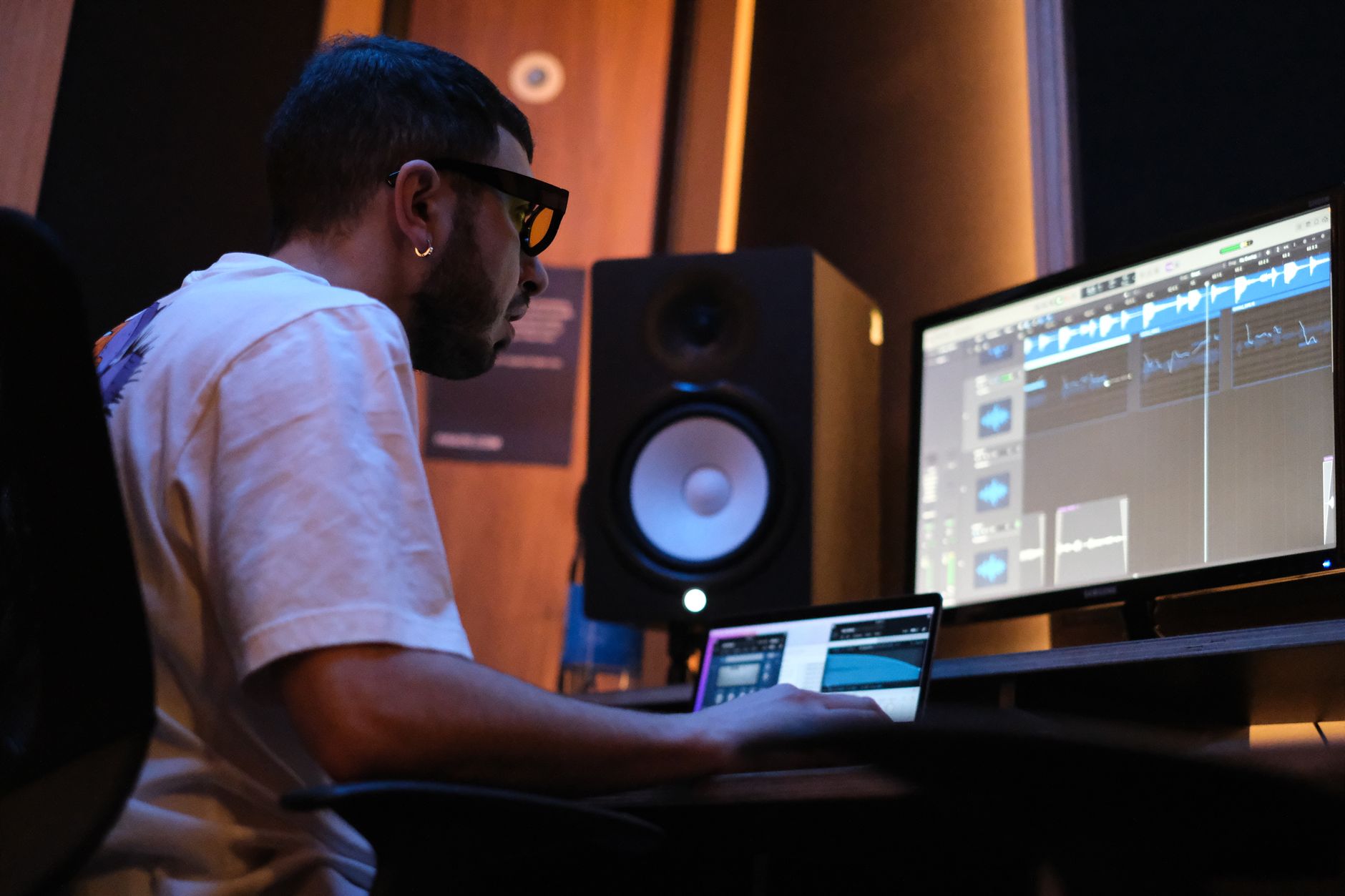 Photo: Nunzio La Rosa via Pexels
Yamaha HS5 — Best Overall
The HS5 is the benchmark recommendation for a reason. Yamaha’s “NS-10 DNA” gives it a deliberately forward, unforgiving midrange — which is exactly what you want when mixing in an untreated room. If a mix sounds good on HS5s, it translates almost everywhere.
Specs:
| Spec | HS5 |
|---|---|
| Woofer | 5“ cone |
| Tweeter | 1“ dome |
| Amp power | 45W + 25W (bi-amped) |
| Frequency response | 54Hz–30kHz |
| EQ controls | Room Control (−2dB/−4dB), High Trim (−2dB/+2dB) |
| Connections | XLR, TRS |
| Bus power | No (IEC mains) |
| Best For | Mixing, translation checking |
The room control shelf cut is genuinely useful — place these within 1–2 ft of a wall and engage the −2dB cut to tame the proximity boost. The HS5 does roll off below 54Hz, which means you’re not hearing sub-bass directly. That’s a feature, not a bug: most bedrooms can’t reproduce sub accurately anyway, and a subwoofer (the HS8S) can be added later if needed.
Verdict by archetype:
- First-time beginner: Strong choice if budget allows — the accuracy teaches your ears
- Bedroom producer: Ideal — unforgiving enough to reveal problems, EQ enough to survive room placement
- Gigging musician: Overkill for live reference; better served by cheaper options
- Prosumer: A legitimate pro tool at this price point
Kali Audio LP-6 V2 — Best Value
At roughly $100–130 per monitor (sold individually), the LP-6 V2 delivers measurement performance that competes with monitors costing three times as much. Published frequency response tests from independent sources show remarkably flat response for the price.
The boundary EQ system is the killer feature: five physical switches on the back let you dial in the monitor’s response for four distinct placement scenarios (freestanding, near a wall, in a corner, or on a desk). It’s the most practical room compensation system at any price.
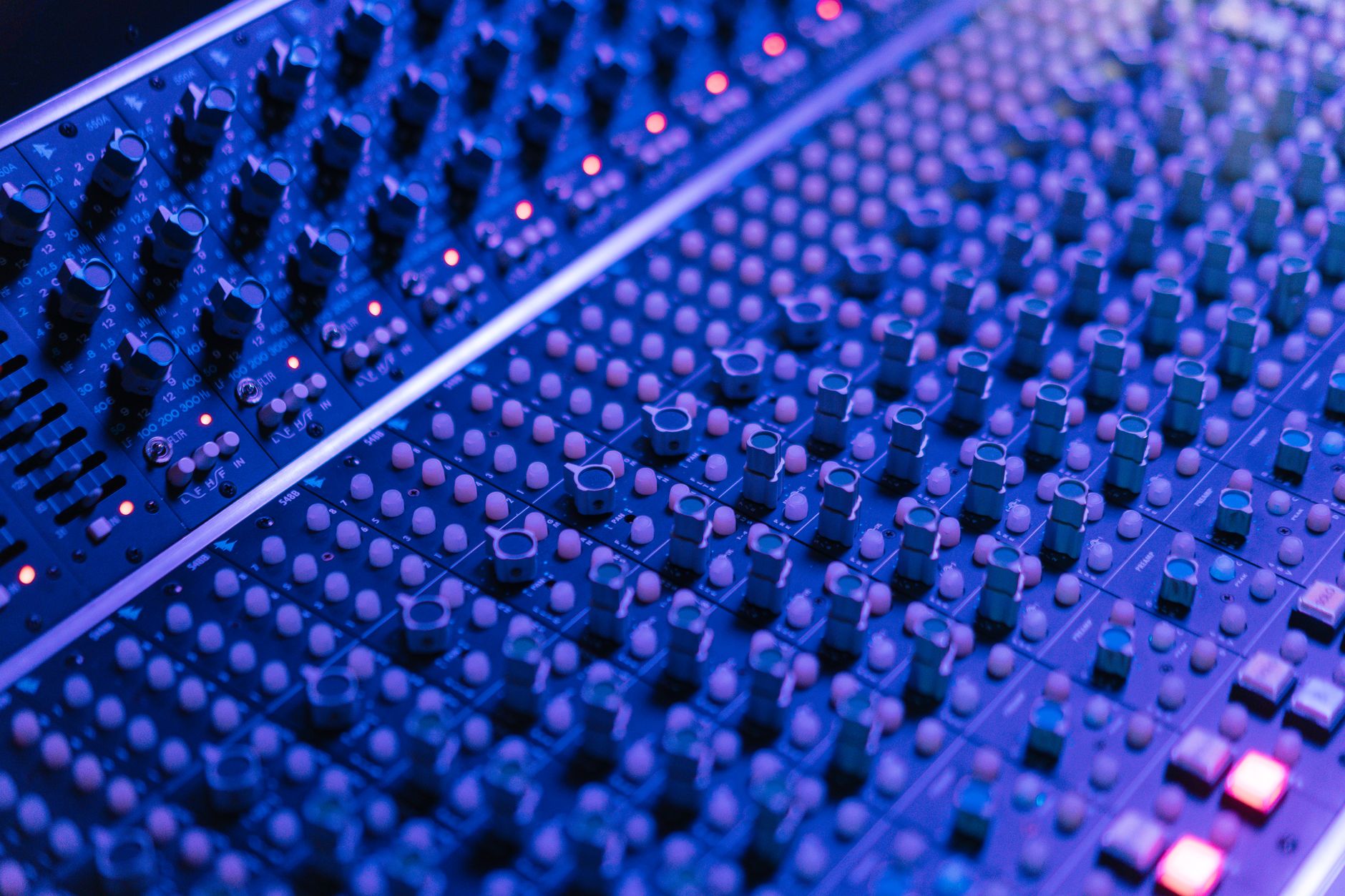 Photo: cottonbro studio via Pexels
Specs:
| Spec | LP-6 V2 |
|---|---|
| Woofer | 6.5“ woofer |
| Tweeter | 1“ silk dome |
| Amp power | 40W + 20W (bi-amped) |
| Frequency response | 39Hz–25kHz |
| EQ controls | Boundary EQ (5 switches), high-frequency shelf |
| Connections | XLR, TRS, RCA |
| Best For | Budget mixing, home studio |
At this price, the LP-6 V2 has no credible competition. The RCA inputs make it easy to connect to consumer interfaces or even a laptop headphone out, while XLR keeps it professional when you upgrade.
Adam Audio T5V — Best for Detail and Clarity
Adam’s ribbon tweeter (the A-ART tweeter) extends to 25kHz with a controlled, smooth dispersion pattern that outperforms conventional dome tweeters in this price bracket. The result is a high-frequency presentation that reveals reverb tails, harsh plugin artifacts, and sibilance issues that cheaper monitors mask.
Specs:
| Spec | T5V |
|---|---|
| Woofer | 5.5“ woofer |
| Tweeter | A-ART ribbon |
| Amp power | 50W + 20W (bi-amped) |
| Frequency response | 45Hz–25kHz |
| EQ controls | High shelf (±6dB), low shelf (±4dB) |
| Connections | XLR, RCA |
| Best For | Detailed mixing, vocal production |
The T5V skews slightly bright compared to the HS5 — some engineers love this for vocal work, others find it tiring on long sessions. The low-shelf EQ gives enough range to tame desk-bounce buildup. Published audio measurements from AudioScienceReview show impressively low THD for this price tier.
PreSonus Eris E5 XT — Best for Small Rooms
The Eris E5 XT earns its place on this list specifically for cramped bedroom setups — under-desk studios, small spare rooms, or dual-purpose setups where the monitors sit close to the mix position. The woven-composite woofer reduces coloration, and the acoustic tuning controls are more granular than most competitors at this price.
 Photo: Anna Pou via Pexels
Specs:
| Spec | Eris E5 XT |
|---|---|
| Woofer | 5.25“ woven composite |
| Tweeter | 1“ silk dome |
| Amp power | 25W + 25W (bi-amped) |
| Frequency response | 53Hz–22kHz |
| EQ controls | Low cutoff, Mid, High knobs |
| Connections | XLR, TRS, RCA |
| Best For | Near-proximity listening, small rooms |
The three-band acoustic tuning (separate Low, Mid, High knobs) is unusually flexible. The low cutoff filter in particular makes desk placement practical without the harshness that plagues uncompensated monitors in the same position.
Yamaha HS8 — Best When You Have a Treated Room
If your bedroom has some acoustic treatment — corner bass traps, broadband panels on the first reflection points — the HS8 opens up the low-end picture significantly. The 8“ woofer reaches down to 38Hz, which means you can genuinely hear what’s happening in the low-mids and upper bass where most bedroom mixes fall apart.
Specs:
| Spec | HS8 |
|---|---|
| Woofer | 8“ cone |
| Tweeter | 1“ dome |
| Amp power | 75W + 45W (bi-amped) |
| Frequency response | 38Hz–30kHz |
| EQ controls | Room Control (−2dB/−4dB), High Trim (−2dB/+2dB) |
| Connections | XLR, TRS |
| Best For | Treated rooms, bass-critical mixing |
In an untreated room, the HS8’s additional low-end extension works against you — standing waves become exaggerated and the mix position becomes a lottery. Treat the room first, then upgrade to the HS8.
Focal Alpha 50 Evo — Best Prosumer Option
Focal’s Alpha Evo series is built around the brand’s flax-sandwich woofer cone technology — the same material found in their reference monitors at multiples of the price. The result is low coloration and fast transient response that makes the Alpha 50 Evo competitive with monitors at twice the price.
Specs:
| Spec | Alpha 50 Evo |
|---|---|
| Woofer | 5“ flax sandwich |
| Tweeter | 1“ Al/Mg inverted dome |
| Amp power | 40W + 25W (bi-amped) |
| Frequency response | 35Hz–22kHz |
| EQ controls | Desktop mode, LF/HF shelves, sensitivity |
| Connections | XLR, TRS, RCA |
| Best For | Prosumer mixing, reference monitoring |
Desktop mode engages a specific EQ contour designed for monitors placed on a flat surface — the most practical room-correction feature on this list after Kali’s boundary EQ system. Published professional reviews consistently place the Alpha 50 Evo in reference-quality territory for home studio use.
Full Comparison Table
| Monitor | Price (per pair) | Woofer | Tweeter | Freq. Response | Room EQ | Best For | Verdict |
|---|---|---|---|---|---|---|---|
| Yamaha HS5 | ~$400 | 5“ | 1“ dome | 54Hz–30kHz | Shelf + trim | Overall mixing | Best overall |
| Kali LP-6 V2 | ~$260 | 6.5“ | 1“ silk | 39Hz–25kHz | 5-switch boundary | Budget value | Best value |
| Adam T5V | ~$350 | 5.5“ | Ribbon | 45Hz–25kHz | HF/LF shelves | Detail/clarity | Best HF detail |
| PreSonus E5 XT | ~$300 | 5.25“ | 1“ silk | 53Hz–22kHz | LMH knobs | Small rooms | Best small room |
| Yamaha HS8 | ~$700 | 8“ | 1“ dome | 38Hz–30kHz | Shelf + trim | Treated rooms | Best treated room |
| Focal Alpha 50 Evo | ~$800 | 5“ flax | Al/Mg dome | 35Hz–22kHz | Desktop mode | Prosumer | Best prosumer |
How to Place Studio Monitors in a Bedroom
Monitor placement is the single highest-impact free upgrade available to any bedroom producer. Equilateral triangle positioning, tweeters at ear height, and toed-in 30° toward the mix position will outperform expensive acoustic treatment placed after bad positioning.
The equilateral triangle rule: each monitor and your head form an equilateral triangle. At 3 ft from your ears, monitors should be 3 ft apart. Most bedroom setups push this wider to accommodate a wide desk — keep it under 5 ft or you lose the stereo image.
Wall proximity: every doubling of the distance between a monitor and a rear wall reduces boundary reinforcement by 3dB. Place monitors at least 12“ from the rear wall, then engage the monitor’s room EQ to compensate for what remains. Never place monitors in corners.
Desk surface reflection is the most underaddressed problem in bedroom studios. A hard desktop between your monitors and ears reflects a comb-filtered version of the direct signal back at you. A thin foam pad under each monitor reduces cabinet vibration transmission; a monitor isolation pad (foam or spring-based) reduces desk-coupling entirely.
Room Treatment Basics for Bedroom Mixing
Even minimal treatment dramatically improves how your monitors perform:
- Bass traps in corners: Floor-to-ceiling corner placement absorbs the standing wave frequencies (100–300Hz) that cause the most mix translation problems
- Broadband panels at first reflection points: Side walls and ceiling at the point where a mirror would show the monitor surface — reduces comb filtering and widens the sweet spot
- Diffusion at the rear wall: Scatters reflections rather than absorbing them, preserving room liveliness without smearing the stereo image
You don’t need a full-room treatment system to make a bedroom work. Two corner bass traps and two small broadband panels at the side reflections represent roughly 70% of the acoustic benefit at 20% of the cost.
→ See also:
- Best Studio Monitors for Home Recording (2026) — full-range coverage including midfield and mains
- Best Studio Monitors Under $150 — entry-level options for first setups
- Best Studio Monitors Under $200 — step-up value picks
FAQ
Q: Can I use studio monitors in an untreated bedroom? Yes, and most bedroom producers do. The key is choosing monitors with effective room EQ controls (Kali LP-6 V2 and PreSonus E5 XT are the strongest here) and using reference tracks to calibrate your ear to the room’s character. Untreated rooms are workable; they just require more cross-checking on headphones and in a car or earbuds before finalizing a mix.
Q: Should I get 5“ or 8“ monitors for my bedroom studio? 5“ for most bedrooms. The 8“ woofer extends lower but in an untreated room that low-end extension becomes a liability — standing waves and boundary reflections make bass response unpredictable. Expert consensus from acoustics engineers and studio designers consistently recommends 5–6“ near-fields as the practical maximum for rooms under 150 sq ft without treatment.
Q: Do I need a subwoofer with bedroom studio monitors? Not for most bedroom producers. A subwoofer in an untreated room amplifies the bass accuracy problem rather than solving it. The better workflow is to use headphones for sub-bass reference checks, then verify the low end in a car or on consumer speakers. If you do add a subwoofer, acoustic treatment in the corners becomes mandatory.
Q: What’s the difference between near-field and mid-field monitors? Near-field monitors are designed to be heard at 3–6 ft from the listening position — the direct sound reaches your ears before room reflections become dominant. Mid-field monitors (typically 8“+ drivers) are optimized for 6–12 ft listening distances, where room acoustics play a larger role. Bedroom studios almost universally benefit from near-field monitors because they’re less sensitive to room problems.
Q: Can I use studio monitors as regular speakers for music listening? Technically yes, but they’re designed for accuracy rather than enjoyment — flat response means you hear everything, including flaws in recordings that consumer speakers smooth over with boosted bass and highs. Many engineers use them for listening but prefer the “hi-fi” experience of consumer speakers for casual playback. The bigger practical issue is that studio monitors are often sold unpaired and have no stereo receiver input — each monitor typically needs its own balanced connection.
Q: How loud should I monitor in a bedroom studio? Research by acoustics researchers and studio designers suggests 79–85 dB SPL at the mix position as a target for critical listening — loud enough to activate the full dynamic range of the monitor, quiet enough to preserve the equal-loudness contour that makes bass and treble intelligible. Most bedroom sessions run quieter at 70–75 dB to avoid listening fatigue and neighbor issues. Regular low-volume checking (60–65 dB) confirms that elements remain audible at typical playback levels.
Editorial methodology: Assessments are based on manufacturer specifications, published user reviews, and editorial research. Physical hands-on testing is noted explicitly where it occurred. Rankings reflect our editorial judgment and are not influenced by affiliate commission rates. Full editorial policy · Affiliate disclosure