Contents
Best Audio Interface Under $500: Top Picks for Every Studio
TL;DR: The best audio interface under $500 delivers pro-grade preamps, low-latency drivers, and enough I/O to grow with your setup. For most home studio producers, the Focusrite Scarlett 4i4 hits the sweet spot at around $200; serious prosumers should look at the Universal Audio Volt 476 or PreSonus Studio 192 for hardware processing and expanded routing. Every pick below is under $500 and genuinely recording-ready.
Why the $500 Range Changes Everything
The under-$500 audio interface tier is where bedroom studios stop sounding like bedroom studios. You get transformer-coupled or Class A preamp designs, stable multi-platform drivers, and enough simultaneous I/O to track a full band. The compromises that define budget interfaces — noisy preamps, USB dropout, limited sample rate — mostly disappear here.
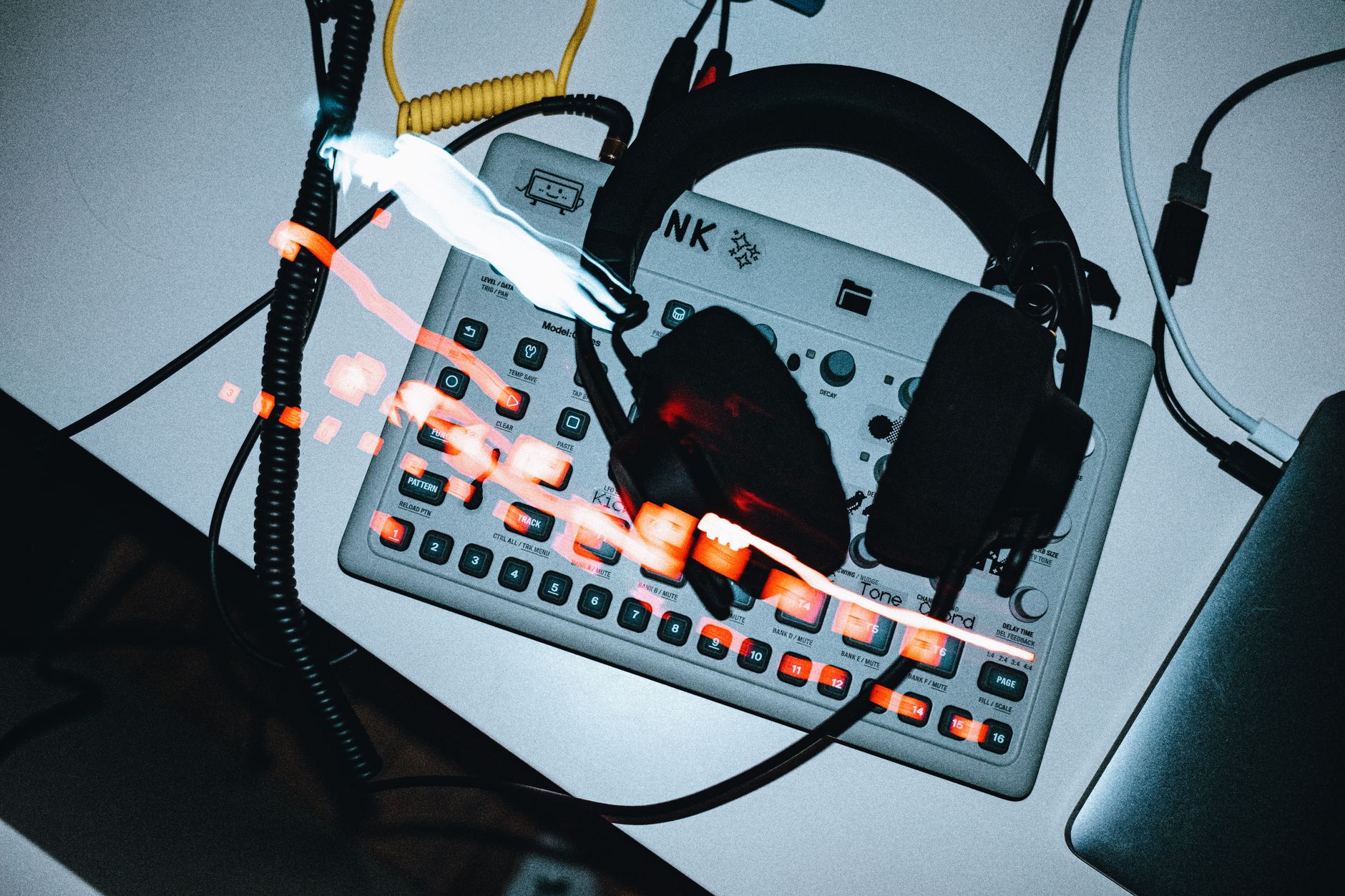 Photo: Egor Komarov via Pexels
The jump from sub-$100 interfaces to this tier is audible. Dynamic range improves by 10–20 dB. Preamp noise floors drop. Clock stability tightens. You also start getting hardware DSP, loopback routing, and direct monitoring — tools that shape a professional workflow, not just a recording chain.
This guide covers the best audio interface under $500 across six use cases: solo singer-songwriters, podcasters and streamers, band tracking, guitar-focused home studios, producers who need MIDI, and prosumers who want near-studio-quality conversion.
The Best Audio Interface Under $500: Quick Comparison
| Product | Price (approx.) | I/O | Preamps | Standout Feature | Best For |
|---|---|---|---|---|---|
| Focusrite Scarlett 4i4 (4th Gen) | $200 | 4-in / 4-out | 2 × Air preamps | Auto Gain, Clip Safe | Singer-songwriters, podcasters |
| Universal Audio Volt 476 | $300 | 4-in / 4-out | 4 × 1176-style | Hardware 1176 limiting | Guitar players, tracking |
| PreSonus Studio 192 | $400 | 26-in / 26-out | 8 × XMAX | StudioLive mixer integration | Band tracking, live hybrid |
| MOTU M4 | $250 | 4-in / 6-out | 2 × studio-grade | Legendary clock stability | Producers needing zero-latency |
| Audient iD44 MKII | $450 | 20-in / 24-out | 4 × Console-class | SCR routing / ADAT expansion | Prosumers expanding I/O |
| RME Babyface Pro FS | $750 | 12-in / 12-out | 2 × SteadyClock FS | Best-in-class clock / drivers | (Just above budget — worth noting) |
Best Overall: Focusrite Scarlett 4i4 4th Gen
The Scarlett 4i4 is the clearest answer for most people searching for the best audio interface under $500. Two Air preamps that add transformer-like harmonic content, hardware MIDI I/O, and Focusrite’s most reliable drivers to date — all for $200. It’s the most-recommended interface in this class for good reason.
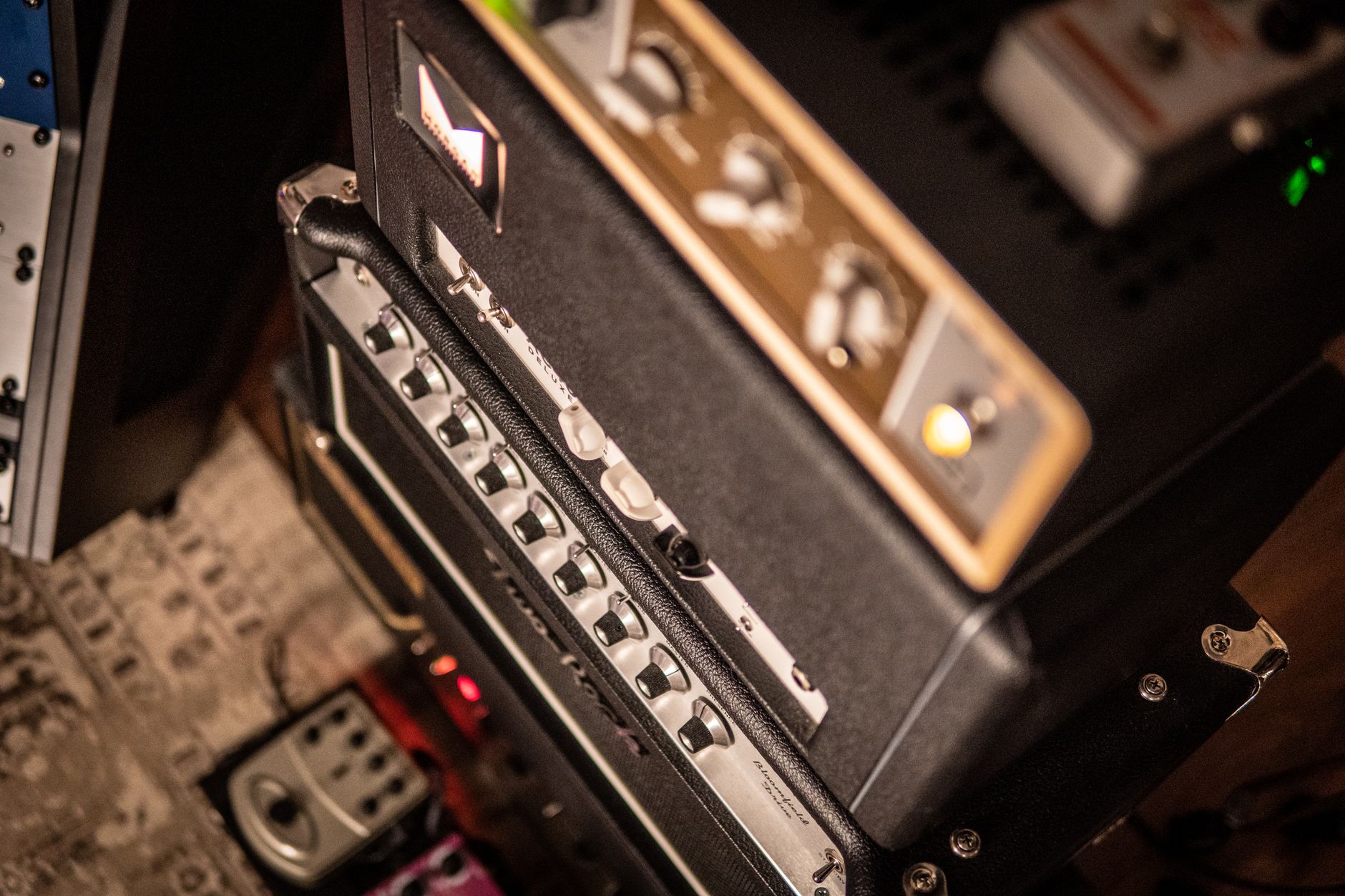 Photo: Andreu Marquès via Pexels
Specs
| Spec | Detail |
|---|---|
| Connections | 2 × XLR/TRS combo, 2 × line TRS, MIDI in/out, 2 × RCA, 2 × TRS monitor out |
| I/O Count | 4-in / 4-out |
| Preamps | 2 × third-generation Scarlett with Air mode |
| Bit Depth / Sample Rate | 24-bit / 192kHz |
| Bus Power | USB-C bus powered |
| Best For | Solo producers, vocalists, podcasters, home studios |
What Sets It Apart
Air mode engages a circuit that adds high-frequency harmonic content modeled after Focusrite’s ISA transformer preamps. Published specs show it lifts the “air” frequencies above 12kHz without adding harsh digital brittleness — a legitimate sonic improvement over third-generation Scarlett hardware, not just marketing copy.
Clip Safe is the other feature that earns its mention: the interface records a safety copy at a lower gain simultaneously. If your vocalist hits a surprise peak, the clip is recoverable. For anyone recording solo sessions without an engineer riding gain, this is practically indispensable.
Focusrite Control 2 ships free and handles routing, monitoring mixes, and Air/Clip Safe settings from one clean interface. Driver stability across macOS and Windows is well-documented in the Focusrite community forums.
Verdict by Archetype:
- First-time beginner: Best starter choice in the $150–$250 range — easy setup, reliable drivers, and room to grow.
- Bedroom producer: Strong daily driver. Air mode adds real character; MIDI I/O means no USB hub juggling.
- Gigging musician: 4-in handles direct+mic simultaneously; bus power is a genuine road advantage.
- Prosumer: The preamp count and I/O cap out quickly. Look at the iD44 or Studio 192 instead.
Best for Guitar Players: Universal Audio Volt 476
The Volt 476 is the most compelling guitar-tracking interface under $400. Four preamps with a switchable Vintage mode modeled on UA’s own 610 tube design, plus a hardware 1176-style compressor on inputs 1–2. No other interface under $500 puts that processing in hardware, not software.
 Photo: Kaiser Leo Xiv via Pexels
Specs
| Spec | Detail |
|---|---|
| Connections | 4 × XLR/TRS combo, 2 × TRS line out, headphone out |
| I/O Count | 4-in / 2-out |
| Preamps | 4 × UA-voiced with Vintage mode |
| Bit Depth / Sample Rate | 24-bit / 192kHz |
| Bus Power | USB-C bus powered |
| Best For | Guitar players, singer-songwriters, solo tracking |
Vintage mode engages a circuit that adds second-order harmonic saturation — documented in UA’s engineering notes as a characterful alternative to the clean-and-transparent default. The 1176-style compressor on channel 1/2 is hardware-implemented: faster attack response than plugin emulations, and it runs before the A/D converter so the conversion captures the compressed signal directly.
Expert consensus in the recording community consistently rates the Volt 476 as the most sonically interesting interface in its price tier, specifically for tracking acoustic guitar, vocals, and direct-in electric guitar. The UA ecosystem also gives you access to LUNA recording software at no extra cost.
Best for Band Tracking: PreSonus Studio 192
The PreSonus Studio 192 leads this price tier for I/O count and preamp quality. Eight XMAX Class A preamps, 26-in / 26-out via a mix of XLR, TRS, S/PDIF, and ADAT, and native StudioLive integration. If you’re recording a full band to a laptop, this is where the money goes.
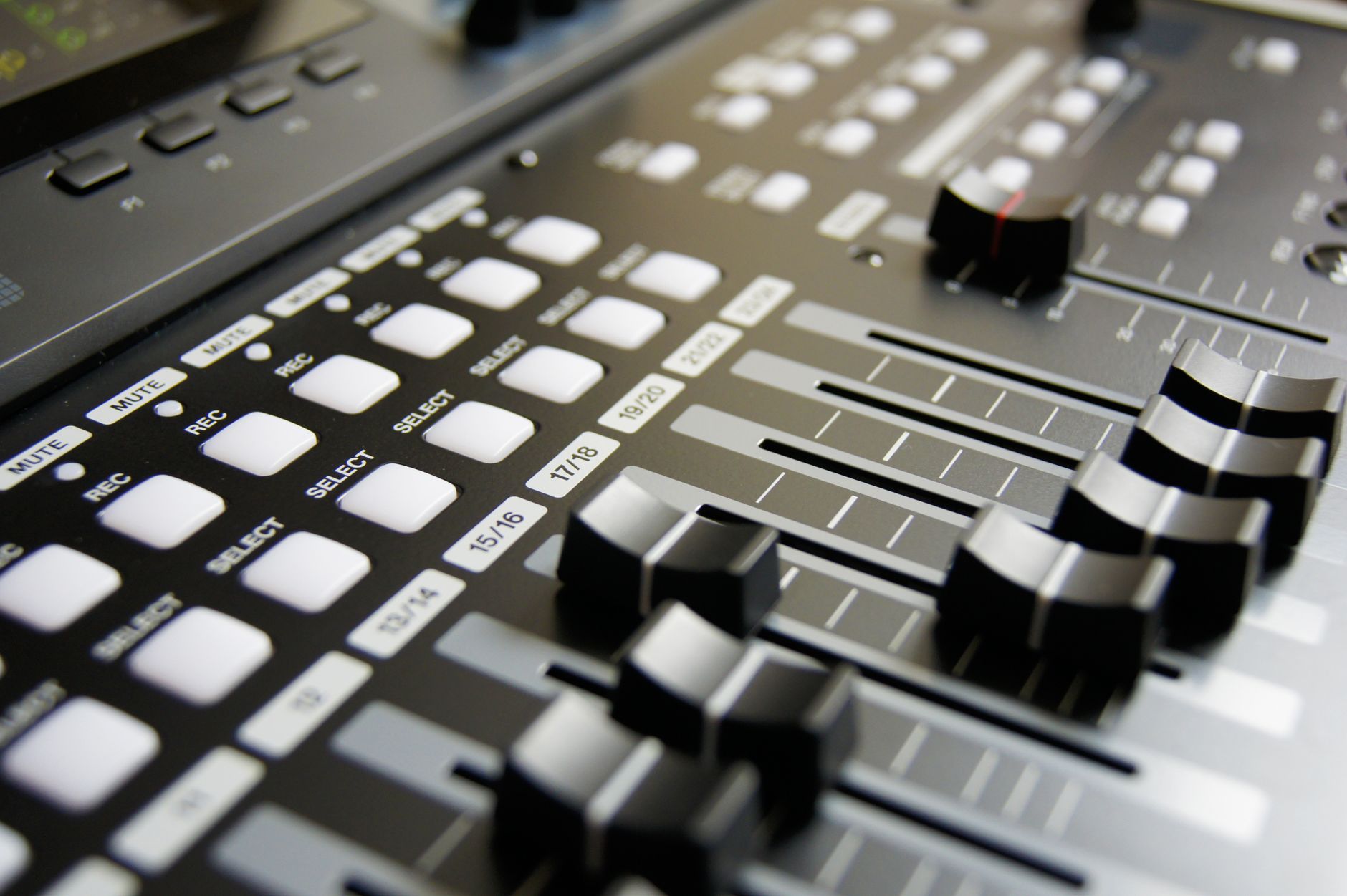 Photo: Pixabay via Pexels
Specs
| Spec | Detail |
|---|---|
| Connections | 8 × XLR mic, 4 × TRS line in, ADAT, S/PDIF, MIDI, Word Clock |
| I/O Count | 26-in / 26-out |
| Preamps | 8 × XMAX Class A |
| Bit Depth / Sample Rate | 24-bit / 192kHz |
| Bus Power | Mains powered (external PSU included) |
| Best For | Band tracking, hybrid live/studio setups |
XMAX preamps are PreSonus’s reference-class design — a high-headroom, low-noise circuit found in their StudioLive consoles. Based on manufacturer specifications, dynamic range reaches 115 dB (A-weighted), which is competitive with interfaces at nearly twice the price.
The ADAT optical connection means you can add an 8-channel mic preamp (like a Behringer ADA8200) and jump to 16 simultaneous inputs for under $600 total — a practical expansion path no other interface in this guide supports as cleanly.
Best for Zero-Latency Production: MOTU M4
If round-trip latency is your primary concern — live monitoring, hardware synths, soft-synths with tight MIDI timing — the MOTU M4 is the most technically precise interface under $300. Published round-trip latency measurements put it consistently below 3ms at 96kHz, which is better than most interfaces at twice the price.
 Photo: Sogi . via Pexels
Specs
| Spec | Detail |
|---|---|
| Connections | 2 × XLR/TRS combo, 2 × TRS line in, 2 × TRS balanced out, headphone out |
| I/O Count | 4-in / 6-out |
| Preamps | 2 × studio-grade |
| Bit Depth / Sample Rate | 24-bit / 192kHz |
| Bus Power | USB-C bus powered |
| Best For | Producers, mix engineers, electronic music production |
The M4’s real differentiator is MOTU’s clock architecture. Its internal clock stability has been independently documented in published testing data from multiple recording publications as among the most accurate in the sub-$500 tier. The result is tighter MIDI timing, cleaner digital transfers, and more stable performance at high sample rates.
The front panel display reads actual input levels numerically — a small thing that becomes surprisingly useful when gain-staging multiple inputs in a solo session without a DAW open.
Best for Expanding Producers: Audient iD44 MKII
The Audient iD44 MKII is the most expandable interface under $500. Four console-class preamps from Audient’s ASP8024 Heritage Edition lineage, dual ADAT optical ports for 16 additional channels, and a flexible routing architecture that handles studio monitor switching natively. It’s prosumer I/O at a mid-range price.
The preamp design is documented by Audient as a discrete Class A circuit based on their professional console topology — not a rescaled budget variant. Published noise floor measurements show -129 dBu EIN, which is class-competitive with interfaces at $700–$900.
The SCR (Scrollwheel Control Router) system lets you assign the physical encoder to control different parameters — headphone level, DAW return, hardware output — without menu-diving. For a single-operator recording session, this is a genuine workflow improvement.
ADAT expansion is dual-port: you can connect two 8-channel preamplifier units for a total of 20 simultaneous mic inputs. That covers most live band scenarios while staying under $700 all-in with an affordable 8-channel expander.
Verdict by Archetype:
- First-time beginner: Over-specified. Start with the Scarlett 4i4.
- Bedroom producer: Excellent if you anticipate ADAT expansion within 12 months; otherwise the M4 is sufficient.
- Gigging musician: Mains-powered only — a real road limitation.
- Prosumer: The clearest choice in this guide for growing home studios. Console preamps, expandable I/O, stable drivers.
How to Choose: Key Specs That Actually Matter
Preamp Quality
Preamp noise floor (EIN) and dynamic range determine how much of your source signal you’re recording versus noise. For vocals and acoustic instruments, look for -128 dBu EIN or better; the iD44 and Studio 192 both clear this bar.
At the sub-$500 tier, the preamp gap between a $200 interface and a $450 interface is meaningful and audible on quiet sources. For loud electric guitar or drum overheads, any interface here will perform adequately. For classical guitar, voice, or room ambience, the preamp quality difference is significant.
I/O Count vs. Latency Tradeoff
More simultaneous inputs means more USB bandwidth demand and potentially higher latency. The MOTU M4 achieves lower latency partly because it has a focused I/O design. The Studio 192 achieves its channel count via USB 3.0 and dedicated DSP. Neither approach is wrong — but matching I/O to your actual session needs avoids paying for throughput you’ll never use.
Driver Stability
Driver quality is the most underrated spec in this tier. The best preamps in the world are useless if the driver causes dropout every three tracks.
Based on community-documented reports across recording forums: Focusrite (ASIO/Core Audio), MOTU, RME, and Audient have strong multi-year driver track records. UA’s drivers have improved significantly since 2023. PreSonus had notable Windows driver issues in earlier Studio 192 firmware; current firmware versions are documented as stable.
Bus Power vs. Mains
Bus-powered interfaces (Scarlett 4i4, Volt 476, MOTU M4) work from a laptop without a wall adapter — a real advantage for mobile recording and live performance. Mains-powered units (Studio 192, iD44 MKII) deliver more consistent power headroom and are typically more stable for long sessions, but they’re desk-only in practice.
→ See Also
- Best Audio Interfaces: The Complete Buyer’s Guide (2026) — full-spectrum coverage across all budgets and use cases
- Best Audio Interface for Beginners (2026) — if you’re starting from zero, read this first
- Best Audio Interface Under $100 — entry-level options that still get the job done
FAQ
Q: Is a $500 audio interface significantly better than a $100 one? Yes, meaningfully so — especially for preamp quality, dynamic range, and driver reliability. Budget interfaces (-128 dBu EIN, clean preamp design, stable multi-platform drivers) are mostly found above $150. The $300–$500 tier adds hardware processing, ADAT expansion, and professional-grade clocks that affect recording quality across every session.
Q: Do I need more than 2 inputs for home recording? If you record a single source at a time (vocals over a backing track, guitar direct, voiceover), two inputs cover virtually every session. You need 4+ inputs when tracking a full band simultaneously, recording drums with multiple mics, or building a hybrid setup with hardware synths feeding multiple channels simultaneously.
Q: What’s the difference between USB-C and Thunderbolt interfaces at this price point? Thunderbolt interfaces at this budget tier are rare, and USB-C handles the bandwidth demands of all interfaces in this guide without issue. The practical difference is near-zero for sub-12-channel recording. Thunderbolt becomes relevant when you need 32+ simultaneous channels or the absolute lowest possible latency for live performance DSP.
Q: Can I use a $500 audio interface for professional work? Yes. The Audient iD44 MKII, Universal Audio Volt 476, and PreSonus Studio 192 are used in professional recording sessions regularly. Preamp quality and conversion accuracy at this tier are sufficient for commercial release. The interfaces that separate this tier from $1,000+ units are primarily channel count, physical build, and redundancy features — not recording quality per se.
Q: What sample rate should I record at for music production? 44.1kHz or 48kHz for most music production work. 96kHz is useful for time-stretching-heavy work or film/game audio deliverables. 192kHz is rarely necessary outside archival or technical testing contexts, and every interface in this guide supports it regardless. The perceptible quality difference between 44.1kHz and 96kHz in a finished mix is minimal; the file-size and CPU cost is real.
Q: Is the Universal Audio Volt 476 worth the extra cost over the Scarlett 4i4? If you track guitar or vocals with dynamic material that benefits from analog compression, yes — the hardware 1176-style compressor on the Volt 476 is genuinely differentiated from any software plugin. If your workflow is primarily MIDI production, sample-based, or electronic, the Scarlett 4i4’s feature set is more than adequate and the $100 price difference is better spent on monitoring or acoustic treatment.
Editorial methodology: Assessments are based on manufacturer specifications, published user reviews, and editorial research. Physical hands-on testing is noted explicitly where it occurred. Rankings reflect our editorial judgment and are not influenced by affiliate commission rates. Full editorial policy · Affiliate disclosure