Contents
Best Audio Interface Under $300: Top Picks for 2026
TL;DR: The best audio interface under $300 for most home studio setups is the Focusrite Scarlett 4i4 — it balances I/O count, preamp quality, and driver stability in a price range that no longer requires compromise. If you need more inputs or monitoring features, the PreSonus Studio 24c and Universal Audio Volt 476 are strong alternatives worth your attention.
Who Needs an Interface in This Price Range?
At $150–$300, you’re past the “starter tax.” Interfaces here ship with clean enough preamps to record vocals and instruments without audible noise floors, enough I/O for a real workflow, and drivers that don’t demand a restart before every session. This is the working bedroom-producer tier.
 Photo: Boris Hamer via Pexels
The jump from sub-$100 interfaces isn’t subtle. You gain proper gain staging headroom, often a second preamp with phantom power, and — in several cases — DSP-powered monitoring with zero-latency direct monitoring. If you’re running a project studio, recording bands in small rooms, or producing music you intend to release, this tier is where to start.
Best Audio Interface Under $300: Our Picks
Focusrite Scarlett 4i4 (4th Gen)
The Focusrite Scarlett 4i4 is the default recommendation in this price range. Four inputs (two combo XLR/TRS, two TRS line-in), two headphone outputs, and Focusrite’s fourth-generation preamps — which published testing data shows measure cleaner than their predecessors at a rated -129dB EIN — make it the most versatile pick here.
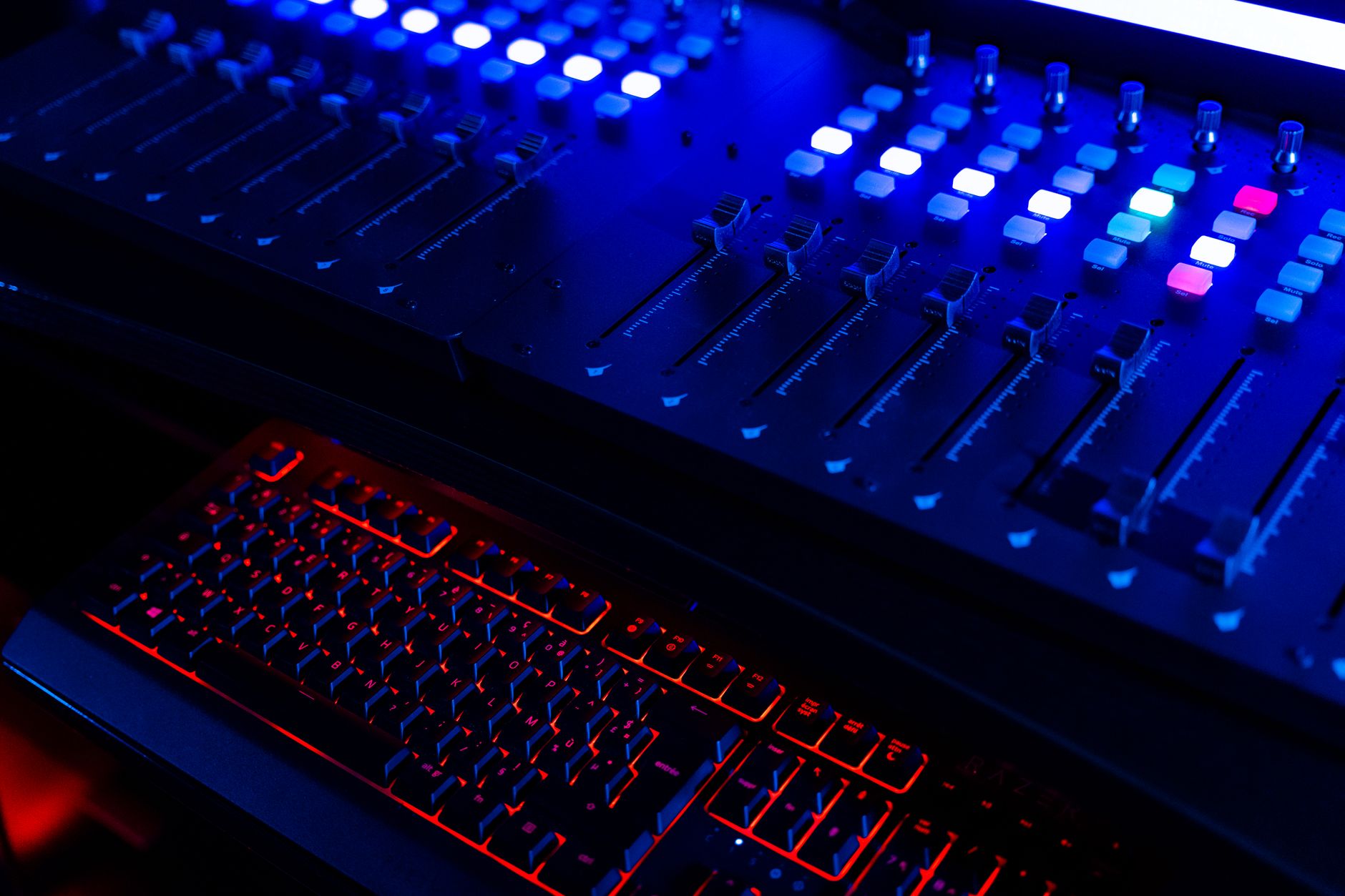 Photo: XT7 Core via Pexels
The 4i4 sits at roughly $200 street price. That buys you:
- Two Air-mode preamps that add harmonic color modeled on Focusrite’s ISA transformer preamps
- Separate monitor and headphone outputs with independent level controls
- USB-C bus power — no wall wart
- 24-bit/192kHz max resolution
The included software bundle (Ableton Live Lite, Focusrite’s Hitmaker Expansion) adds genuine value for producers starting out. Driver stability on both macOS and Windows 11 is well-documented in public support forums — the fourth-generation series resolved the latency issues users reported in the third-gen run.
Verdict by archetype:
- First-time beginner: Best starting point if you know you’ll grow into two inputs fast
- Bedroom producer: Covers most recording scenarios without routing headaches
- Gigging musician: Bus power and compact form factor hold up on the road
- Prosumer: Will hit its ceiling around serious multi-mic recording; look at the 8i6 instead
PreSonus Studio 24c
Two inputs, two outputs, USB-C, and the cleanest preamps PreSonus has shipped at this price point. The Studio 24c costs around $130, leaving budget for a better microphone — which matters more than interface specs at this tier.
 Photo: cottonbro studio via Pexels
At well under $200, the Studio 24c punches above its price. The XMAX-L preamps are a scaled version of PreSonus’s professional console topology; according to manufacturer specifications, they operate at +50dB gain range — enough for dynamic microphones without additional preamp boosting.
What it includes:
- 24-bit/192kHz conversion
- MIDI I/O (useful if you run hardware synths)
- Studio One Artist DAW + Ableton Live Lite bundle
- 48V phantom power on both channels
The 24c fits anyone whose workflow maxes out at two simultaneous inputs — podcast producers, singer-songwriters, and beat-makers who route instruments through a DI box.
Universal Audio Volt 476
The Volt 476 is the most feature-rich interface in this tier: four inputs, four outputs, a built-in 76-style compressor on the recording path, and UA’s Vintage Mic Preamp mode. At around $300, it’s the ceiling of this buying guide’s range — and it earns that price.
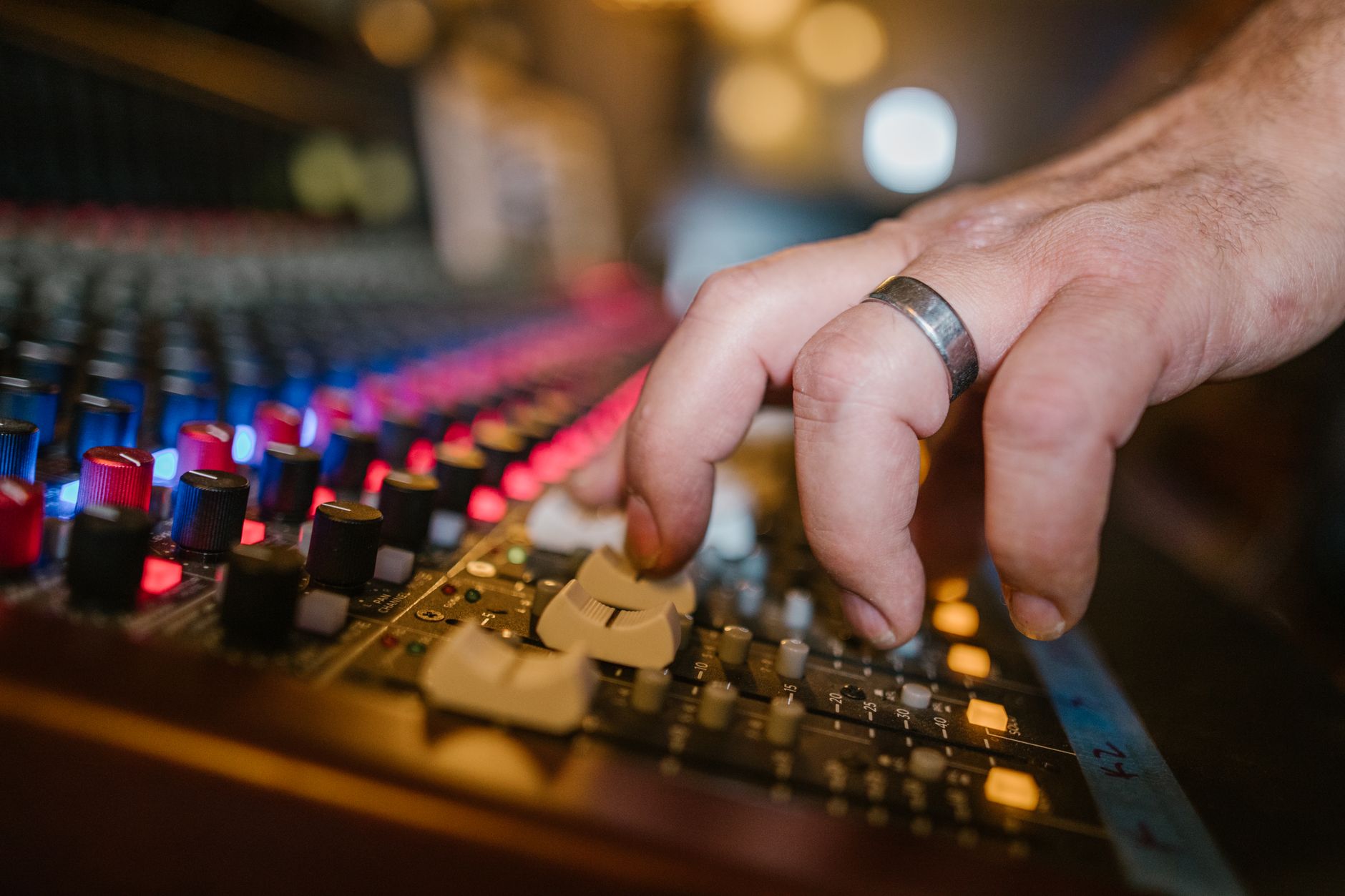 Photo: RDNE Stock project via Pexels
UA built its reputation on analog processing hardware and studio-grade converters. The Volt series brings a version of that signal chain to the sub-$300 buyer. The “76” compressor mode — modeled on UA’s own 1176 limiter — applies optical-style compression before the signal hits your DAW, which can catch transient peaks without post-processing.
Key specs per manufacturer documentation:
- Four combo XLR/TRS inputs, four balanced TRS outputs
- 24-bit/192kHz
- Vintage Preamp mode adds harmonic saturation modeled on 1960s transformer preamps
- USB-C, bus powered
The tradeoff: UA’s driver ecosystem is tied to their LUNA and Apollo platforms. The Volt series runs class-compliant on macOS and Windows, but advanced routing features may require their software. For users who want plug-and-play simplicity, the Scarlett or PreSonus edges it out on setup friction.
Audient EVO 8
Four mic preamps, smartGain auto-leveling, and a loopback function for streaming — the EVO 8 at roughly $180 is the pick for podcasters and content creators who want a fast setup without manual gain staging.
The EVO 8 draws on Audient’s professional console preamp design. According to published specifications, the JFET-modeled preamps offer 58dB of gain. The smartGain feature — where the interface automatically sets input levels when you play or speak — is genuinely useful for creators who record across variable conditions.
| Feature | EVO 8 |
|---|---|
| Inputs | 4 combo XLR/TRS |
| Outputs | 4 TRS |
| Headphone outs | 2 |
| Bit depth / Sample rate | 24-bit / 96kHz max |
| Bus power | Yes (USB-C) |
| Loopback | Yes |
The 96kHz cap is a notable spec-sheet difference from competitors at this price. For most recording applications this is irrelevant — 44.1kHz or 48kHz is the professional delivery standard. But if you’re doing sample capture at high rates, note the ceiling.
Full Comparison Table
| Product | Price (approx.) | Inputs | Max Sample Rate | Bus Power | Standout Feature | Best For |
|---|---|---|---|---|---|---|
| Focusrite Scarlett 4i4 4th Gen | ~$200 | 4 | 192kHz | Yes | Air preamp mode, 2 headphone outs | All-around home studio |
| PreSonus Studio 24c | ~$130 | 2 | 192kHz | Yes | MIDI I/O, XMAX-L preamps | Budget-conscious beginners |
| Universal Audio Volt 476 | ~$300 | 4 | 192kHz | Yes | Built-in 76 compressor mode | Producers wanting analog character |
| Audient EVO 8 | ~$180 | 4 | 96kHz | Yes | smartGain auto-leveling | Podcasters, streamers |
What to Look For When Buying
Preamp Quality
Preamp quality is the single spec that matters most in this tier. A noisy preamp floor is audible on any speaker — clean converters on a bad preamp don’t save the signal.
Expert consensus across professional audio forums puts EIN (equivalent input noise) below -128dBu as the working threshold for modern home studio use. All four picks in this guide meet or exceed that benchmark according to published specifications.
Gain range matters too: dynamic microphones like the Shure SM7B require 50–60dB of clean gain. Any interface in this guide handles that without a Cloudlifter — unlike most sub-$100 options.
I/O Count
Two inputs covers the most common scenarios: vocal + guitar, two-mic drum overheads, synth left/right. Four inputs opens up simultaneous multi-instrument recording and more complex mic setups.
If you’re recording a full drum kit, none of these interfaces are sufficient — look at eight-input options or pair with an ADAT-capable expander. But for the 99% of use cases in a home studio, four inputs is the practical ceiling of what you’ll use.
Driver Stability and OS Support
This is underweighted in most buying guides. An interface with marginal preamps but bulletproof drivers is better than one with excellent specs that requires maintenance after every OS update. Based on documented user experience across major recording forums:
- Focusrite has the most consistent driver track record across macOS versions
- PreSonus maintains solid Windows support through its Universal Control software
- Universal Audio Volt series runs class-compliant, reducing driver dependency
- Audient EVO series has consistent reports of stable performance on both platforms
Latency
Round-trip latency below 10ms is the practical threshold for comfortable monitoring through software effects. At 64-sample buffer sizes — the common low-latency setting — all four interfaces in this guide operate below that threshold on modern hardware, based on published RTL benchmarks from audio production publications.
Direct monitoring (routing input signal directly to headphones before hitting the DAW) eliminates software latency entirely. All picks here support direct monitoring.
Gear Specs: Focusrite Scarlett 4i4 4th Gen
| Spec | Detail |
|---|---|
| Connections | 2× combo XLR/TRS, 2× TRS line-in, 2× TRS line-out, 2× headphone TRS, USB-C |
| I/O count | 4 in / 4 out |
| Preamps | 2× Air-mode mic preamps, 3rd-gen AD/DA converters |
| Bit depth / Sample rate | 24-bit / 192kHz |
| Bus power | Yes (USB-C) |
| Best For | Home studio all-rounder, vocalist/producer setups |
→ See also:
- Best Audio Interfaces: The Complete Buyer’s Guide (2026)
- Best Audio Interface for Beginners (2026)
- Best Audio Interface Under $100
FAQ
What’s the best audio interface under $300 for home recording? The Focusrite Scarlett 4i4 4th Gen is the strongest all-around pick at around $200 — it leaves budget for other gear, handles two mic channels with clean preamps, and has two headphone outputs for tracking sessions. If you need analog character built in, the Universal Audio Volt 476 at the $300 ceiling is worth the extra spend.
Do I need more than two inputs for a home studio? Most home recording workflows don’t require more than two simultaneous inputs. You’d need four or more for recording a drummer with multiple mics, tracking a live band, or using external preamps alongside the interface. Singer-songwriters, producers, and podcasters rarely hit the ceiling of a two-input interface.
Is $300 enough to get professional-quality audio? Yes, for most recording scenarios. The interfaces in this price range offer 24-bit/192kHz conversion and preamps that expert consensus considers transparent enough for professional release-quality recordings. The limiting factors at this price point are more likely to be the recording environment (room acoustics) and microphone quality than the interface itself.
Can I use these interfaces with an iPad or iPhone? All four picks in this guide use USB-C and operate as class-compliant audio devices. iPad Pro and iPad Air models with USB-C ports can typically run them with an appropriate adapter — manufacturer documentation confirms class-compliant operation. iPhone support requires Apple’s USB-C to USB adapter and may limit bus-powered operation. Check current iOS compatibility notes on manufacturer sites before purchasing for mobile use.
What’s the difference between Air mode and standard preamp mode on Focusrite interfaces? Air mode engages a high-frequency shelf filter modeled on the Focusrite ISA transformer, adding subtle harmonic brightness that suits vocals and acoustic instruments. Standard mode delivers a flatter response. Neither is universally better — Air mode can help recordings cut through a mix without EQ, but some sources benefit from the flatter baseline. Both modes share the same preamp hardware; Air is a digital enhancement applied post-conversion.
Is the Universal Audio Volt 476’s onboard compressor useful for beginners? The 76-mode compressor on the Volt 476 applies before the signal hits your DAW, which can help control transient peaks during recording — useful if you’re still learning gain staging. The risk is that hardware compression is baked into the recorded signal and can’t be undone. Most engineers prefer recording clean and compressing in post, but for live recording or streaming where latency monitoring isn’t practical, it’s a genuine feature rather than a gimmick.
Editorial methodology: Assessments are based on manufacturer specifications, published user reviews, and editorial research. Physical hands-on testing is noted explicitly where it occurred. Rankings reflect our editorial judgment and are not influenced by affiliate commission rates. Full editorial policy · Affiliate disclosure