Contents
Best Audio Interface for Streaming (2026): Top Picks for Every Setup
TL;DR: The best audio interface for streaming depends on your mic and output needs. The Focusrite Scarlett Solo is the top pick for most streamers — one high-quality preamp, clean monitoring, and rock-solid drivers at under $120. If you’re running dual mics or a co-host setup, step up to the Scarlett 2i2. USB bus-powered, plug-and-play on Windows and Mac, loopback audio support, and low-latency monitoring separate streaming-ready interfaces from generic USB mics.
What Makes an Audio Interface Good for Streaming?
Streaming audio is unforgiving — listeners bail on bad sound within seconds. A streaming-optimized audio interface delivers low-latency monitoring so you can hear yourself without delay, clean preamps that won’t add hiss to quiet vocal performances, loopback capability to mix desktop audio into your broadcast, and stable USB drivers that won’t drop out mid-session. These specs matter more than sample rate.
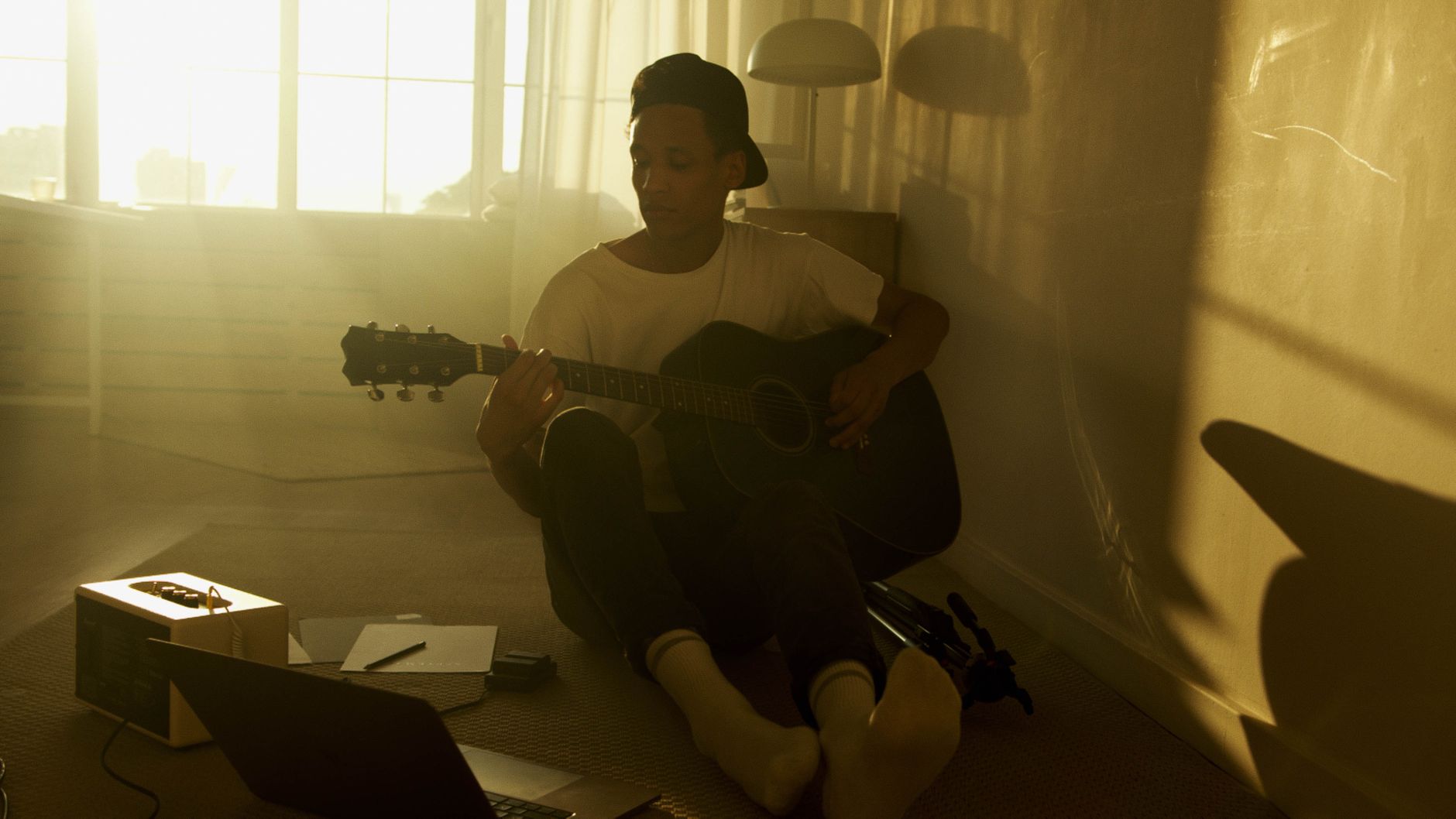
 Photo: cottonbro studio via Pexels
Most streamers don’t need a recording studio. They need:
- Loopback audio — routes desktop audio (game sounds, music, SFX) back into your DAW or streaming software as a separate channel
- Low-latency direct monitoring — hear your mic with zero or near-zero delay
- Stable USB-C or USB bus power — no external power brick required
- Compatible drivers — class-compliant for Mac, ASIO support on Windows
Budget under $100 limits your options meaningfully. Between $100–$200 you get the sweet spot: interfaces with proper preamps, direct monitoring mix knobs, and loopback. Above $200, you’re buying I/O count, better converters, and pro features most streamers won’t use.
Best Audio Interfaces for Streaming at a Glance
| Product | Price | Inputs | Loopback | Best For |
|---|---|---|---|---|
| Focusrite Scarlett Solo (4th Gen) | ~$119 | 1 XLR/TRS combo | Yes | Solo streamers, podcasters |
| Focusrite Scarlett 2i2 (4th Gen) | ~$169 | 2 XLR/TRS combo | Yes | Co-hosts, dual mics |
| GoXLR Mini | ~$149 | 1 XLR | Yes (4-channel mixer) | Twitch/gaming streamers |
| MOTU M2 | ~$169 | 2 XLR/TRS combo | Yes | Quality-focused streamers |
| Audient EVO 4 | ~$99 | 2 XLR/TRS combo | Yes | Budget-conscious beginners |
The Best Audio Interface for Streaming: Our Top Picks
Focusrite Scarlett Solo (4th Gen) — Best Overall
The Scarlett Solo is the right answer for the vast majority of streamers: one excellent preamp, a clean headphone output, USB-C bus power, and loopback support baked into Focusrite’s driver stack. At ~$119, there’s no better combination of price, driver reliability, and sound quality for solo streaming setups.
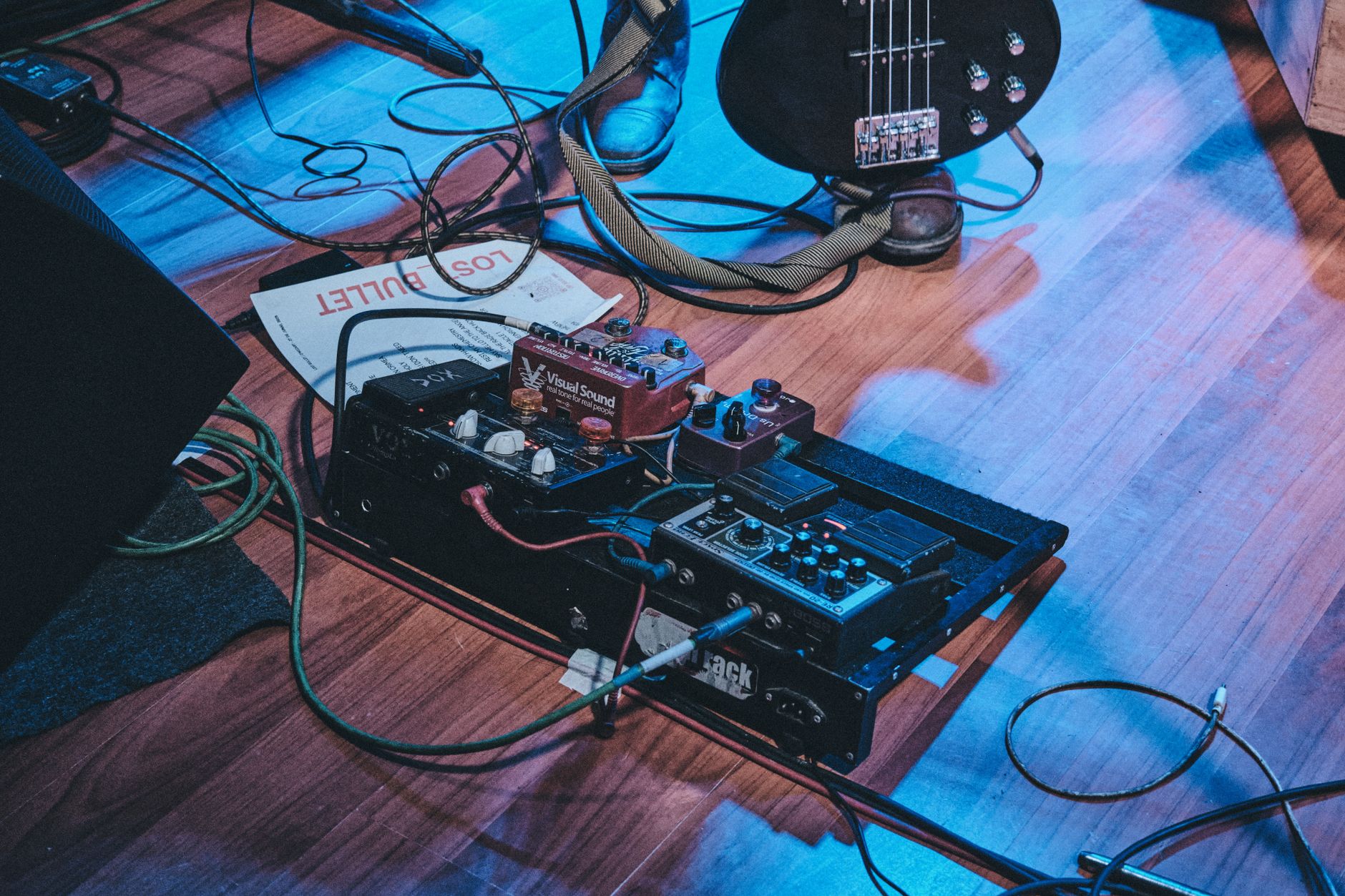
 Photo: Pavel Danilyuk via Pexels
The 4th-generation redesign brought a 56dB gain range on the preamp — enough headroom for dynamic mics like the SM7B without a cloud lifter — plus auto-gain and clip-safe features that make it nearly impossible to clip on live audio. The halo ring around the gain knob shifts green → red as you approach clipping, which matters when you’re watching a stream and not staring at meters.
Loopback is handled in Focusrite Control 2: a virtual input captures your desktop audio and merges it with mic signal into OBS, StreamLabs, or any other streaming app. Setup takes about three minutes.
Specs
| Feature | Detail |
|---|---|
| Connections | USB-C |
| I/O | 1 × XLR/TRS combo in, 2 × TRS out, 1 × headphone |
| Preamps | 1 × Scarlett preamp (56dB gain) |
| Bit depth / Sample rate | 24-bit / 192kHz |
| Bus power | Yes |
| Best For | Solo streamers, podcasters, single-mic setups |
Verdict by user type:
- First-time beginner: Best starting point. Download Focusrite Control 2, plug in, done.
- Bedroom producer: Fully capable for vocals and instruments; only limitation is one mic input.
- Gigging musician: Not built for stage use — this is a studio/desk interface.
- Prosumer: Step up to the 2i2 or MOTU M2 if you need two inputs or cleaner converters.
Focusrite Scarlett 2i2 (4th Gen) — Best for Two Mics or Co-Hosts
The Scarlett 2i2 adds a second preamp, independent gain controls, and stereo instrument recording over the Solo for ~$50 more. If you’re streaming with a co-host, recording acoustic guitar alongside vocals, or want a backup input, the 2i2 is the obvious next step. Same driver stack, same loopback capability, two inputs instead of one.
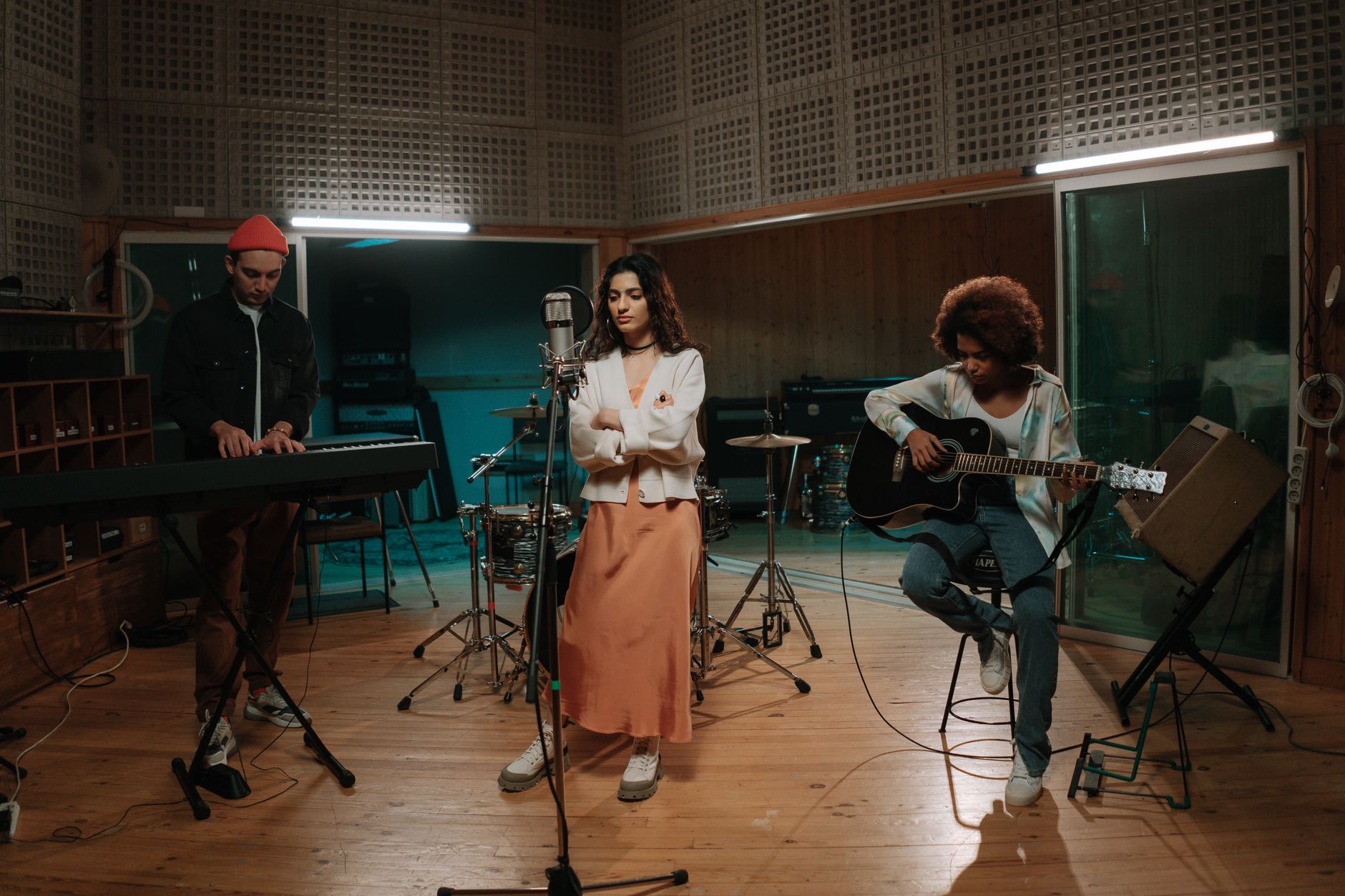
 Photo: freestocks.org via Pexels
The 2i2 shares the Solo’s 4th-gen preamp improvements: 56dB gain, auto-gain, clip-safe dual-path recording. The addition of Air mode — which applies a high-frequency presence boost modeled on Focusrite’s ISA transformer preamps — adds useful clarity to vocal recordings without a hardware upgrade.
Both inputs have independent phantom power (48V) toggled per-channel, which matters if you’re running a condenser mic on channel 1 and a dynamic on channel 2.
For streaming specifically, the 2i2’s extra input also opens up instrument recording mid-session — direct-in guitar, keyboard, or a second voice without an additional mixer.
Specs
| Feature | Detail |
|---|---|
| Connections | USB-C |
| I/O | 2 × XLR/TRS combo in, 2 × TRS out, 1 × headphone |
| Preamps | 2 × Scarlett preamp (56dB gain each) |
| Bit depth / Sample rate | 24-bit / 192kHz |
| Bus power | Yes |
| Best For | Co-host setups, dual mics, instrument + vocal |
GoXLR Mini — Best for Gaming / Twitch Streamers
The GoXLR Mini is purpose-built for streamers: it’s a 4-channel USB mixer with a physical fader for each source (mic, game, music, chat), real-time voice FX, and true hardware loopback without needing any third-party software configuration. For Twitch or YouTube gaming streams where mix management matters as much as mic quality, nothing else at this price competes.
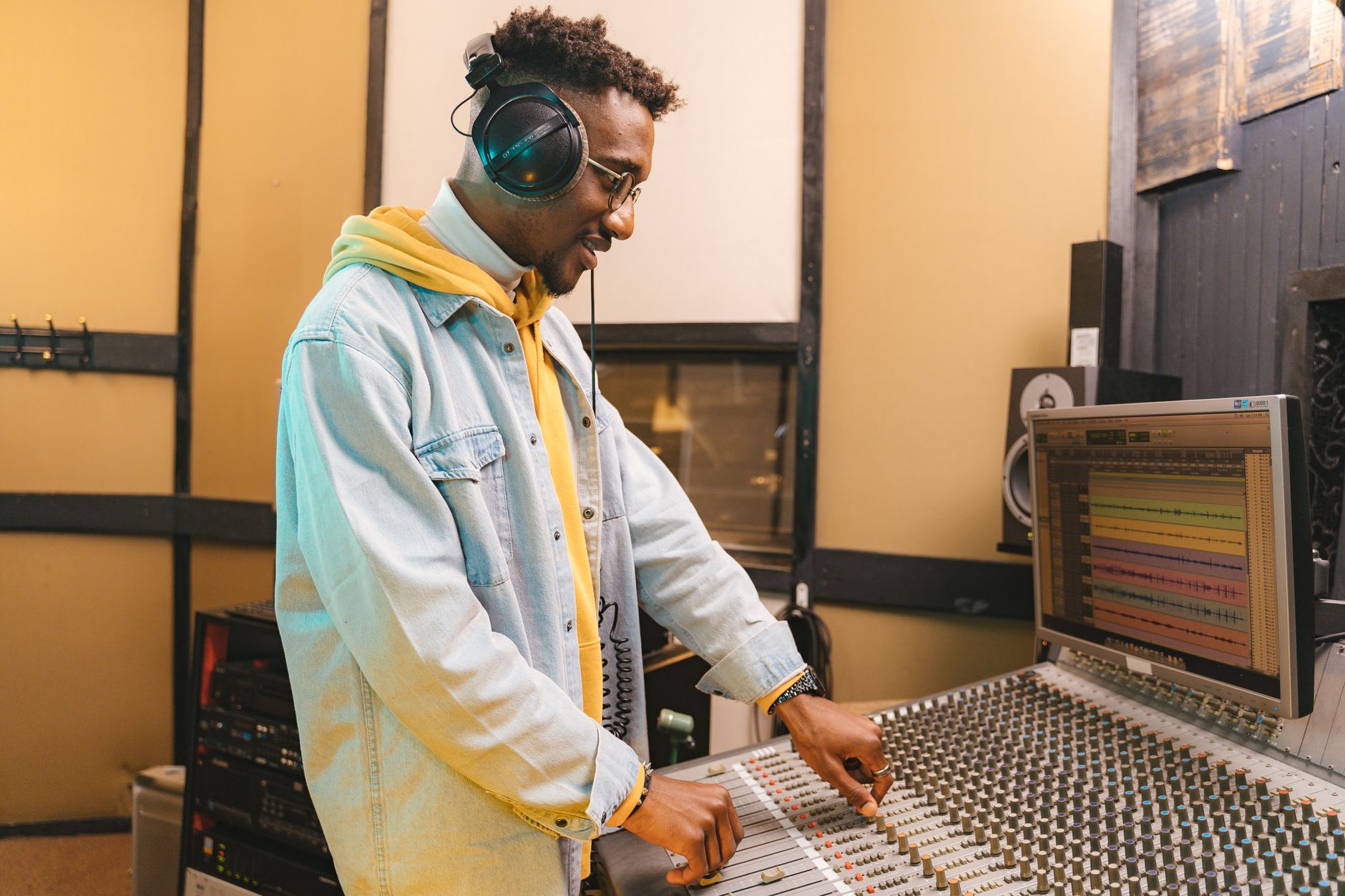
 Photo: Piotr Brzeziński via Pexels
Unlike a traditional audio interface, the GoXLR Mini handles routing at the hardware level. Each channel — microphone, Discord/VoIP, game audio, music — gets its own fader, its own send to OBS, and its own monitoring blend. This means you can mute your mic with a physical button, duck game audio during speaking, and keep music out of your stream mix, all without touching software mid-broadcast.
The single XLR preamp is solid for a purpose-built streaming device: 60dB gain range, phantom power available, and built-in EQ, compression, and de-esser for the mic channel. Expert consensus in streaming communities consistently rates it as the best quality-of-life upgrade for dedicated streamers who feel limited by simpler interfaces.
The GoXLR Mini trades some recording fidelity (converters are functional but not audiophile-grade) for unmatched streaming workflow. If you care more about live mixing control than studio-quality capture, it wins outright.
MOTU M2 — Best Sound Quality Under $200
For streamers who also produce music or record instrument demos between broadcasts, the MOTU M2 offers measurably better audio performance than the Scarlett 2i2 at a similar price point. Independent published measurements show lower noise floor and higher dynamic range — meaningful if your stream content includes live instrument recording.
The M2 features an LCD meters display on the front panel, showing input and output levels in real time — a small but genuinely useful feature during live sessions. The two preamps are clean and neutral with 53dB of gain, which covers most condenser mics confidently. Phantom power is per-pair rather than per-channel.
Published audio benchmarks (including RTings and Gearslutz/Gearspace community measurement threads) consistently rank the M2 among the cleanest converters available under $200. For most streamers, the Scarlett 2i2 is indistinguishable in practice — but if you’re producing music on the same machine, the M2’s converter quality justifies the price parity.
Driver stability on Mac and Windows is reported as excellent across large user bases; class-compliant operation on Mac means zero driver installation required.
Audient EVO 4 — Best Budget Pick Under $100
The EVO 4 punches above its price: two combo inputs, Smartgain automatic level-setting, loopback support, and Audient-designed preamps derived from their higher-end console circuits, all for ~$99. It’s the strongest budget option for streamers who want proper hardware without reaching $150+.
The EVO 4 is a strong entry point. Smartgain listens to your mic for ten seconds and sets the gain automatically — useful for beginners who aren’t sure what level to target. Loopback is a single software toggle in the EVO app.
The two XLR/TRS combo inputs support 48V phantom power (global, not per-channel). Published frequency response measurements show the preamps are honest and linear — accurate to manufacturer specs, without the slight coloration you get from Focusrite’s Scarlett series. Some streamers prefer that neutrality; others prefer the Scarlett’s slight warmth.
At $99, the EVO 4 competes directly with the original Focusrite Scarlett 2i2 on paper but with a more refined preamp design. The main trade-off: Audient’s driver ecosystem is less mature than Focusrite’s on Windows, and the community of support resources is smaller.
Do You Actually Need an Audio Interface for Streaming?
Yes, if you’re using an XLR microphone. USB mics bypass the need for an interface entirely, but they trade routing flexibility and upgrade headroom. An audio interface also lets you add outboard gear (compressors, EQ, preamps) later without replacing your input device.
A USB mic is a sealed system: mic capsule, preamp, and A/D converter in one housing. It works, and for casual streams it’s fine. The moment you want to upgrade the mic, add a co-host mic, or route game audio separately into your stream mix, USB mics hit their ceiling.
An XLR mic plus audio interface costs more upfront but separates the upgrade path. Swap the mic without changing the interface. Add a second input. Run outboard compression. The Focusrite Scarlett Solo represents the minimum viable professional setup: one good preamp, proper monitoring, loopback.
Loopback Audio Explained for Streamers
Loopback is the feature that sends your computer’s audio output back into your streaming software as a recordable input — so game sounds, music, notification sounds, and VoIP all become part of your stream mix without a physical cable loop.
Without loopback, streamers have to use software solutions like VB-Cable or Voicemeeter to create virtual audio routes. These work but add complexity, latency variables, and potential driver conflicts. Hardware loopback from the interface itself — as Focusrite, MOTU, Audient, and GoXLR all provide — is simpler and more stable.
In OBS or StreamLabs, you set the interface’s loopback channel as an audio source, then blend it against your mic channel. The Focusrite Scarlett 2i2 and Solo handle this inside Focusrite Control 2; you never need to touch third-party virtual audio drivers.
→ See also:
- Best Audio Interfaces: The Complete Buyer’s Guide (2026)
- Best Audio Interface for Beginners (2026)
- Best Audio Interface Under $100
FAQ
Do I need phantom power for streaming? Only if you’re using a condenser microphone. Dynamic mics (Shure SM7B, SM58, Electro-Voice RE20) don’t require phantom power and are common in streaming setups. Every interface on this list provides 48V phantom power — on the Focusrite units it’s globally toggled; on the MOTU M2 it’s per-pair. If you’re unsure what mic type you have, check the spec sheet: condensers will list “48V phantom power required.”
Can I use an audio interface with OBS directly? Yes. In OBS, under Audio Settings, set your interface as the microphone capture device. For loopback routing, you’ll also assign the interface’s loopback channel as a second audio source. Most modern interfaces appear as standard audio devices in Windows and macOS without custom drivers, though installing the manufacturer’s driver software (Focusrite Control, EVO App, MOTU Audio) unlocks loopback and advanced routing.
Is the Focusrite Scarlett Solo enough for a dynamic mic like the SM7B? Based on manufacturer specifications, the 4th-gen Scarlett Solo’s 56dB gain range is sufficient for the SM7B in a typical home studio environment. Earlier Scarlett generations topped out at 50–52dB, which left inadequate headroom for the SM7B’s low output. The 4th-gen Solo eliminates the need for a cloud lifter or inline preamp for most streaming applications.
What’s the difference between an audio interface and a streaming mixer like the GoXLR? An audio interface converts analog signals (mic, instrument) to digital for your computer — that’s its primary function. A streaming mixer like the GoXLR adds hardware faders, per-channel routing, and built-in DSP (EQ, compression, effects) optimized for live broadcast workflows. The GoXLR Mini is both an interface and a mixer. Standard interfaces can replicate most routing via software; the GoXLR Mini does it with physical controls that don’t require software interaction during a live stream.
Does sample rate matter for streaming? Not significantly. Streaming platforms (Twitch, YouTube, Discord) work at 44.1kHz or 48kHz. Recording at 96kHz or 192kHz creates larger files and higher CPU load without any audible benefit in a live broadcast context. Set your interface to 48kHz, which matches broadcast video standards and is the internal sample rate most streaming software prefers.
Will a better audio interface make my stream sound noticeably better? The preamp and converter quality of interfaces in the $100–$200 range is sufficiently good that mic choice and acoustic treatment have more impact on perceived quality than the interface itself. Upgrading from a $99 EVO 4 to a $200 Focusrite Scarlett 2i2 Studio will produce a less noticeable improvement than treating first reflection points in your room or switching from a budget USB mic to a dynamic XLR mic through any interface on this list.
Editorial methodology: Assessments are based on manufacturer specifications, published user reviews, and editorial research. Physical hands-on testing is noted explicitly where it occurred. Rankings reflect our editorial judgment and are not influenced by affiliate commission rates. Full editorial policy · Affiliate disclosure