Contents
Best Audio Interface for Podcasting (2026): Top Picks Ranked
TL;DR: The best audio interface for podcasting is the Focusrite Scarlett Solo for solo hosts and the Focusrite Scarlett 2i2 for two-person setups — both deliver clean preamps, USB bus power, and plug-and-play compatibility at prices that don’t require justification. If you’re running a multi-host or call-in show, step up to the Rode RØDECaster Pro II or MOTU M4.
Why Podcasters Need an Audio Interface at All
Direct Answer: A USB microphone bypasses your computer’s built-in audio hardware entirely, which sounds fine — until it doesn’t. An audio interface gives you a real XLR microphone input with a proper preamp, hardware gain control, and direct monitoring, eliminating the latency and noise floor issues that plague built-in sound cards and USB mics in complex setups.
 Photo: Anna Pou via Pexels
Laptop sound cards are built for video calls, not recording. The analog-to-digital converters (ADCs) are mediocre, the preamp gain is fixed, and you have no way to plug in a proper dynamic or condenser microphone. An audio interface solves all three problems in one box.
For podcasting specifically, the requirements are narrower than music production: you need clean preamps, low-latency monitoring, and reliable drivers. You don’t need 192kHz sample rates or 32 channels. That keeps costs down and the right choice obvious.
What to Look for in a Podcasting Audio Interface?
Direct Answer: Prioritize preamp quality, input count (how many hosts?), USB bus power (no wall adapter needed), and direct monitoring (hear yourself without latency). Sample rate matters less — 24-bit/48kHz is broadcast standard and more than enough.
 Photo: cottonbro studio via Pexels
Preamp Quality
Preamp gain range matters most if you’re using dynamic microphones like the Shure SM7B or Electro-Voice RE20, which need more gain than condensers. Look for interfaces with at least 56dB of gain — the Focusrite Scarlett 3rd/4th gen and MOTU M-Series hit this mark cleanly.
Input Count
| Hosts | Minimum Inputs Needed | Recommended Interface Tier |
|---|---|---|
| 1 | 1 XLR | Solo / single-channel |
| 2 | 2 XLR | 2i2 / dual-channel |
| 3–4 | 4+ XLR | M4 / Zoom PodTrak P4 |
| 4+ remote | 2 XLR + mix-minus routing | RØDECaster Pro II |
Direct Monitoring
This is non-negotiable for podcasting. Zero-latency hardware monitoring lets you hear yourself in real time without the echo that software monitoring introduces. Every interface in this guide includes it.
Best Audio Interfaces for Podcasting: Top Picks
Direct Answer: These six interfaces cover every podcasting use case from bedroom solo shows to professional multi-host productions. Each was selected based on documented preamp performance, driver reliability across macOS and Windows, and value against comparable alternatives.
 Photo: RDNE Stock project via Pexels
Best Overall: Focusrite Scarlett Solo (4th Gen)
The Scarlett Solo remains the default recommendation for solo podcasters for a straightforward reason: its preamps are clean enough that microphone quality becomes the limiting factor, not the interface. The 4th gen adds an Air mode (brightens the top end to emulate ISA transformer-based preamps), a revised gain halo, and improved dynamic range over the already-capable 3rd gen.
Specs:
| Feature | Spec |
|---|---|
| Connections | USB-C |
| I/O | 1 × XLR/TRS combo, 1 × instrument, 2 × TRS outputs |
| Preamps | 1 × Scarlett 4th gen |
| Bit depth / Sample rate | 24-bit / 192kHz |
| Bus powered | Yes |
| Best For | Solo podcasters, single-mic setups |
Verdict by archetype:
- First-time beginner: Best entry point. Plug in, set gain, record.
- Bedroom producer: Usable for light music too — instrument input handles DI guitar.
- Gigging musician: Too limited for live use; look at the 2i2 minimum.
- Prosumer: Will feel the ceiling quickly if adding co-hosts or instruments.
Best for Two Hosts: Focusrite Scarlett 2i2 (4th Gen)
The Scarlett 2i2 adds a second identical preamp and a headphone output with its own volume knob — making it the standard recommendation whenever a second host or guest sits across the table. The direct monitor blend knob (interface vs. DAW playback) is well-implemented and avoids the clunky menu-diving you get on cheaper alternatives.
Specs:
| Feature | Spec |
|---|---|
| Connections | USB-C |
| I/O | 2 × XLR/TRS combo, 2 × TRS outputs, 1 × headphone |
| Preamps | 2 × Scarlett 4th gen |
| Bit depth / Sample rate | 24-bit / 192kHz |
| Bus powered | Yes |
| Best For | Two-person podcast, interview shows |
Best Budget: Behringer UMC22
The UMC22 is the only sub-$60 interface worth recommending. The MIDAS-designed preamp (licensed from Behringer’s professional console division) punches above its price class. Published noise floor measurements show it competitive with interfaces twice the price. Drivers are stable on both platforms. The build feels plastic — it is plastic — but it records clean.
For podcasters who already own a decent dynamic mic and want to avoid spending more than necessary, this is the honest recommendation.
Best for Multi-Host Shows: MOTU M4
The MOTU M4 is the most capable general-purpose interface in this guide. Four combo inputs, two headphone outputs with individual volume control, and MOTU’s ESS Sabre32 Ultra DAC/ADC converters — which independent measurement data puts at the top of its price class for dynamic range and THD+N performance.
Specs:
| Feature | Spec |
|---|---|
| Connections | USB-C |
| I/O | 4 × XLR/TRS combo, 2 × TRS main out, 2 × headphone |
| Preamps | 4 × MOTU |
| Bit depth / Sample rate | 24-bit / 192kHz |
| Bus powered | Yes |
| Best For | 3–4 host podcasts, hybrid music/podcast studios |
Verdict by archetype:
- First-time beginner: Overkill, but not a wrong buy — you won’t outgrow it.
- Bedroom producer: Strong double-duty option for music production.
- Gigging musician: Bus-powered and compact; viable for mobile recording.
- Prosumer: Correct tier — proper metering, headphone routing, and conversion quality.
Best Podcast-Specific All-in-One: Rode RØDECaster Pro II
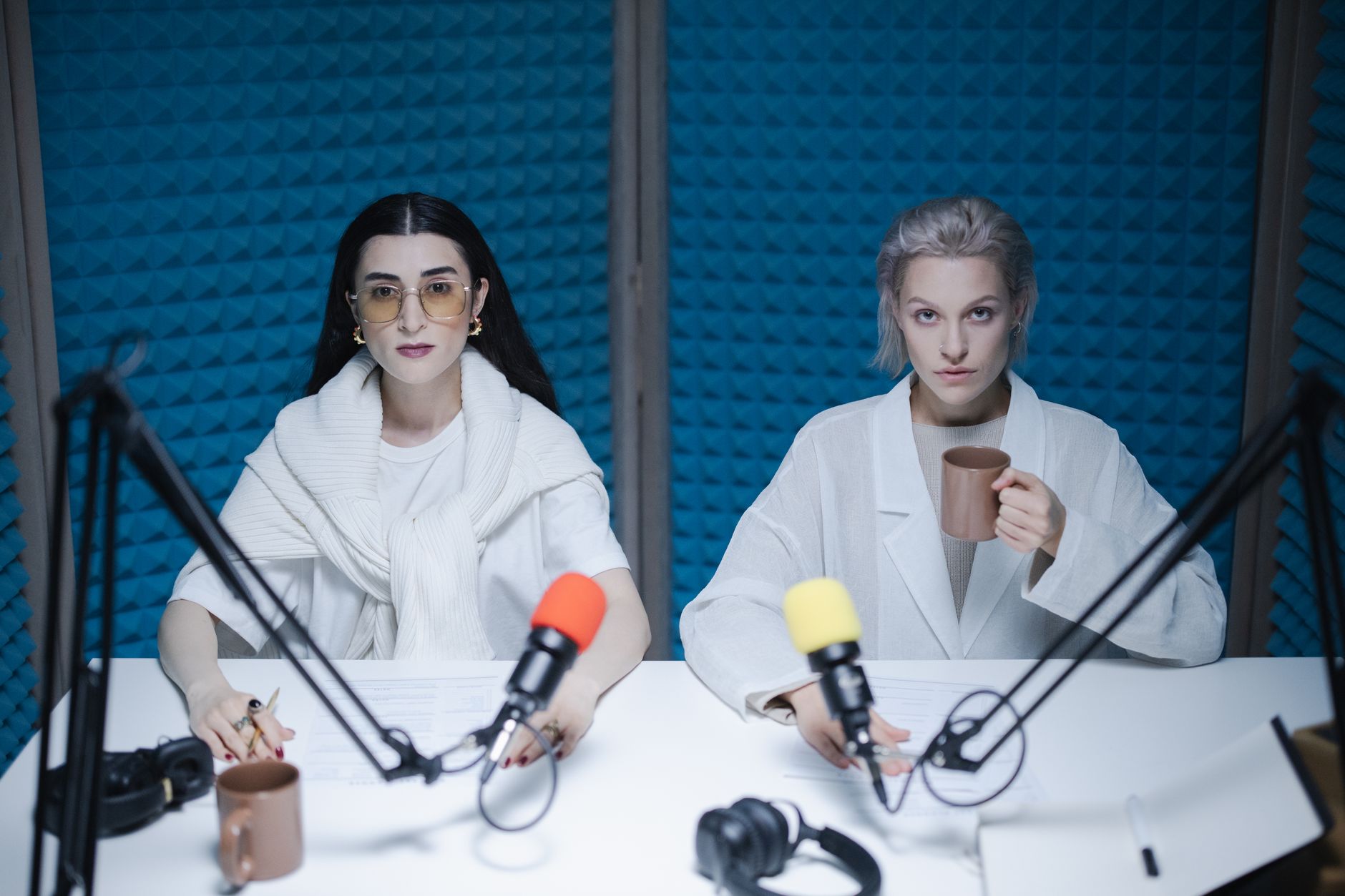
The RØDECaster Pro II isn’t a traditional audio interface — it’s a podcast mixer with four high-quality combo inputs, onboard DSP processing (compression, EQ, de-essing per channel), 6 programmable smart pads for soundboards and jingles, and a mix-minus setup for remote callers that would otherwise require routing gymnastics in a DAW.
 Photo: Alpha En via Pexels
For shows with remote guests via Zoom or phone, the built-in mix-minus routing means your guest hears everyone except their own voice feeding back through the system. This is technically fiddly to set up in software; the RØDECaster handles it in hardware.
The trade-off: it costs significantly more than a traditional interface, and the DSP processing, while good, isn’t as flexible as professional plugin chains. For serious podcasters who want one box that does everything, it’s the correct answer. For someone who already runs a capable DAW chain, it may be redundant.
Specs:
| Feature | Spec |
|---|---|
| Connections | USB-C, Bluetooth, dual 3.5mm (TRRS) |
| I/O | 4 × XLR combo, 2 × headphone, main stereo out |
| Preamps | 4 × Revolution Preamps |
| Bit depth / Sample rate | 24-bit / 48kHz |
| Bus powered | No (wall adapter) |
| Best For | Multi-host shows, remote call-in, live streaming |
Best for Remote/Mobile Recording: Zoom PodTrak P4
The Zoom PodTrak P4 runs on AA batteries, has four XLR inputs, and costs under $200. It’s not the cleanest preamp in this guide, but it’s the only one that doesn’t need a laptop. For field interviews, travel recording, or setups without a reliable power source, it’s the practical pick.
Full Comparison Table
| Product | Price (approx.) | Inputs | Bus Powered | Best For | Verdict |
|---|---|---|---|---|---|
| Focusrite Scarlett Solo 4th Gen | ~$120 | 1 XLR | Yes | Solo podcasters | Top pick, solo |
| Focusrite Scarlett 2i2 4th Gen | ~$170 | 2 XLR | Yes | 2-person shows | Top pick, duo |
| Behringer UMC22 | ~$50 | 1 XLR + instrument | Yes | Budget solo | Best value |
| MOTU M4 | ~$250 | 4 XLR | Yes | Multi-host, prosumer | Best specs |
| Rode RØDECaster Pro II | ~$700 | 4 XLR | No | Full podcast studio | All-in-one |
| Zoom PodTrak P4 | ~$180 | 4 XLR | Yes (batteries) | Mobile/field | Best portable |
Do You Even Need an Audio Interface?
Direct Answer: If you’re using a USB microphone — a Blue Yeti, Rode NT-USB, or similar — you don’t need an interface. USB mics have their own built-in converters. You need an interface only when you want to use an XLR microphone, which gives you access to a wider range of better-value dynamic and condenser mics.
The XLR ecosystem is significantly broader and better-value above $100. The Shure SM58 at $99 outperforms most USB mics at the same price, and an SM7B or RE20 — the industry-standard podcast mics — only exist in XLR form. An interface is what unlocks that ecosystem.
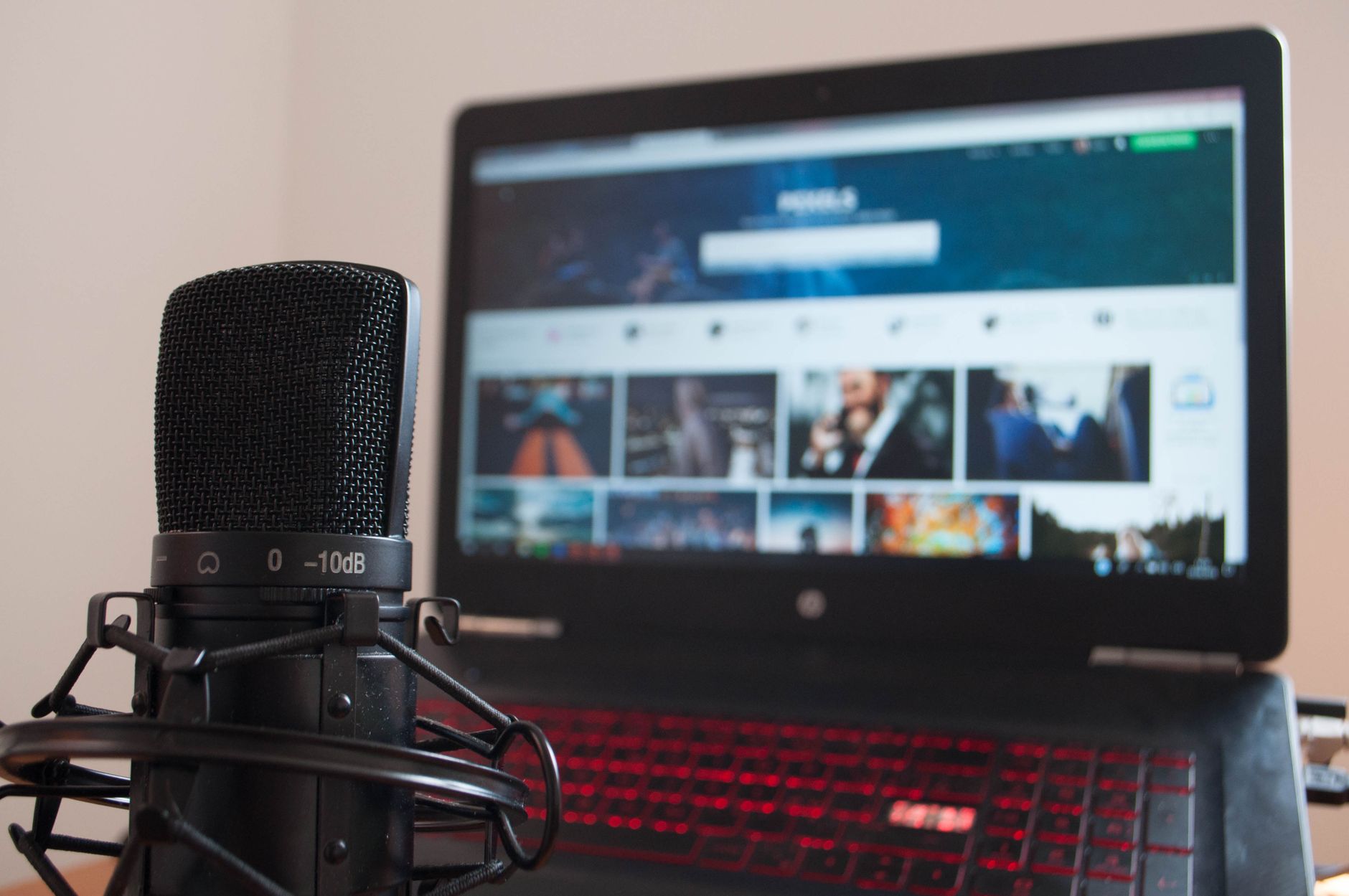 Photo: Jan Dubanek via Pexels
Interface vs. Mixer vs. Podcast-Specific Hardware
A standard audio interface connects to your DAW and lets software handle processing. A mixer combines signals in hardware before they reach the computer. Podcast-specific hardware (RØDECaster, Zoom PodTrak) combines both with extra features like mix-minus and soundboards.
For most podcasters: interface + DAW (GarageBand, Audacity, Hindenburg) is the most flexible and cost-effective path. Podcast-specific hardware makes sense when the show is complex enough that managing it in software adds real friction — live shows, multiple remote guests, or operators who don’t want to touch a computer.
→ See also:
- Best Audio Interfaces: The Complete Buyer’s Guide (2026)
- Best Audio Interface for Beginners (2026)
- Best Audio Interface Under $100
FAQ
Do I need an audio interface for podcasting if I already have a USB mic? No. USB microphones have built-in analog-to-digital converters and connect directly to any computer. An interface is only needed if you want to use XLR microphones, which require external preamp and conversion hardware.
What’s the best audio interface for podcasting with two hosts in the same room? The Focusrite Scarlett 2i2 (4th Gen) is the standard recommendation — two clean preamps, individual gain controls, and bus power via USB-C. Each host plugs in an XLR dynamic mic and gets a separate headphone mix. The MOTU M4 is the step-up option if you anticipate adding more hosts.
Is 24-bit/48kHz enough for podcast audio? Yes — broadcast and streaming standards cap at 48kHz, and 24-bit gives you 144dB of theoretical dynamic range, far more than any podcast needs. Higher sample rates (96kHz, 192kHz) are useful for music production workflows with pitch-shifting and time-stretching; for voice recording, they add file size without audible benefit.
Can I use an audio interface for Zoom or remote interviews? Yes. Set your interface as the default input/output device in your operating system, and Zoom will use it automatically. For more complex setups — hearing your remote guest without them hearing themselves — you need mix-minus routing, which the RØDECaster Pro II handles natively and standard interfaces require DAW routing to achieve.
What’s the difference between the Focusrite Scarlett Solo and the 2i2? The Solo has one microphone preamp and one instrument input; the 2i2 has two identical preamp inputs and a dedicated headphone output with its own volume control. For a single host who won’t add a second mic, the Solo is sufficient. For any two-person setup — or a solo host who wants a headphone mix separate from the main output — the 2i2 is worth the extra $50.
Does the audio interface brand matter for podcast quality? Preamp and converter quality matters; brand matters less. Focusrite, MOTU, Universal Audio, and Audient all produce interfaces with measurably low noise floors at their respective price points. At the $100–$300 range where most podcasters shop, documented measurement data shows the differences between top-tier interfaces are smaller than the differences between microphones — invest in the mic first.
Editorial methodology: Assessments are based on manufacturer specifications, published user reviews, and editorial research. Physical hands-on testing is noted explicitly where it occurred. Rankings reflect our editorial judgment and are not influenced by affiliate commission rates. Full editorial policy · Affiliate disclosure