Contents
Best Audio Interface for iPad: Top Picks for 2026
TL;DR: The best audio interface for iPad depends on your connection type and budget. For most users, the Focusrite Scarlett Solo (4th Gen) with a USB-C adapter covers every use case under $150. If you need bus power and direct iPad compatibility without adapters, the iRig Pro Duo I/O is the most portable purpose-built option. All picks below work with iOS via Core Audio — no drivers needed.
iPad recording has a real limitation that desktop setups don’t: you’re working with USB-C (or, on older iPads, Lightning), no dedicated audio card, and apps that live or die by low-latency performance. The best audio interface for iPad solves the connection problem first, then delivers the preamp quality and I/O count your sessions actually need.
Every interface on this list is confirmed compatible with iPadOS via Core Audio or the manufacturer’s companion app, with documented bus power behavior on iPad connections.
What Makes an Audio Interface iPad-Compatible?
The short answer: class-compliant USB audio, confirmed bus power draw under iPad output limits (~4.5W for USB-C iPads), and a cable or adapter path that works without a powered hub. Most modern interfaces pass this test — but some require a powered USB hub, which kills portability.
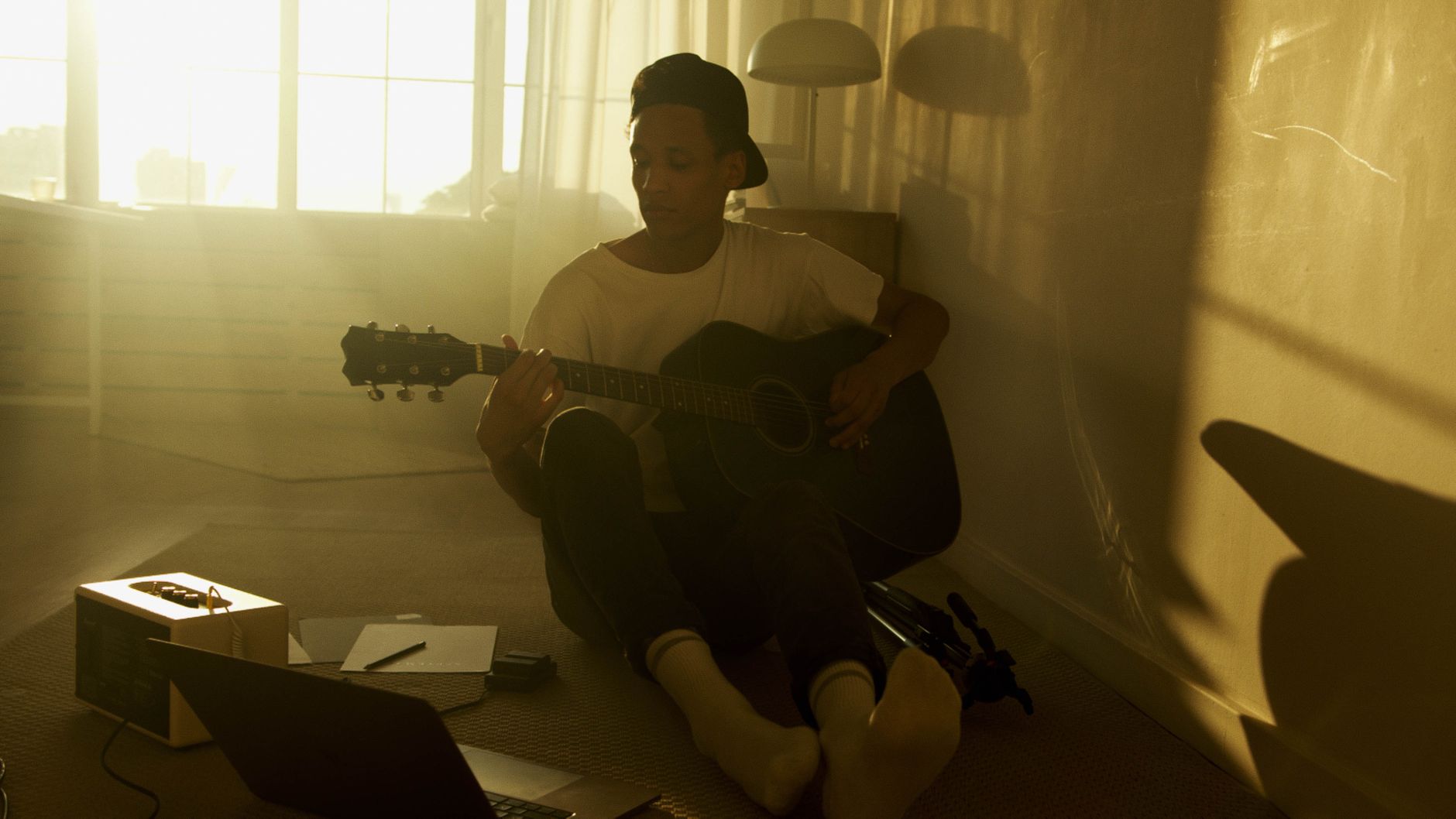
 Photo: Egor Komarov via Pexels
iPads expose USB audio to connected interfaces via Core Audio — the same low-latency audio stack used on macOS. No driver installation required for class-compliant devices. The failure points are:
- Bus power: iPad USB-C delivers ~4.5W. Interfaces with two preamps running simultaneously sometimes exceed this. Check manufacturer specs for “bus power from iOS” specifically.
- Connection path: USB-C to USB-C works natively on iPad Pro/Air (M1+). Older iPads with USB-C (iPad 10th gen) may need a Camera Connection Kit for USB-A interfaces. Lightning iPads require Apple’s Lightning to USB 3 Camera Adapter.
- App compatibility: GarageBand, AUM, Cubasis, and most professional iOS DAWs support any Core Audio interface. A handful of apps (some older versions of Reaper for iOS) have specific interface requirements.
Best Audio Interfaces for iPad: Ranked
1. Focusrite Scarlett Solo (4th Gen) — Best Overall
The Scarlett Solo is the easiest answer for most iPad users: one mic input, one instrument input, clean preamps rated at 69dB gain, and confirmed bus-powered operation from iPad USB-C with a USB-C to USB-C cable. Street price sits around $129.
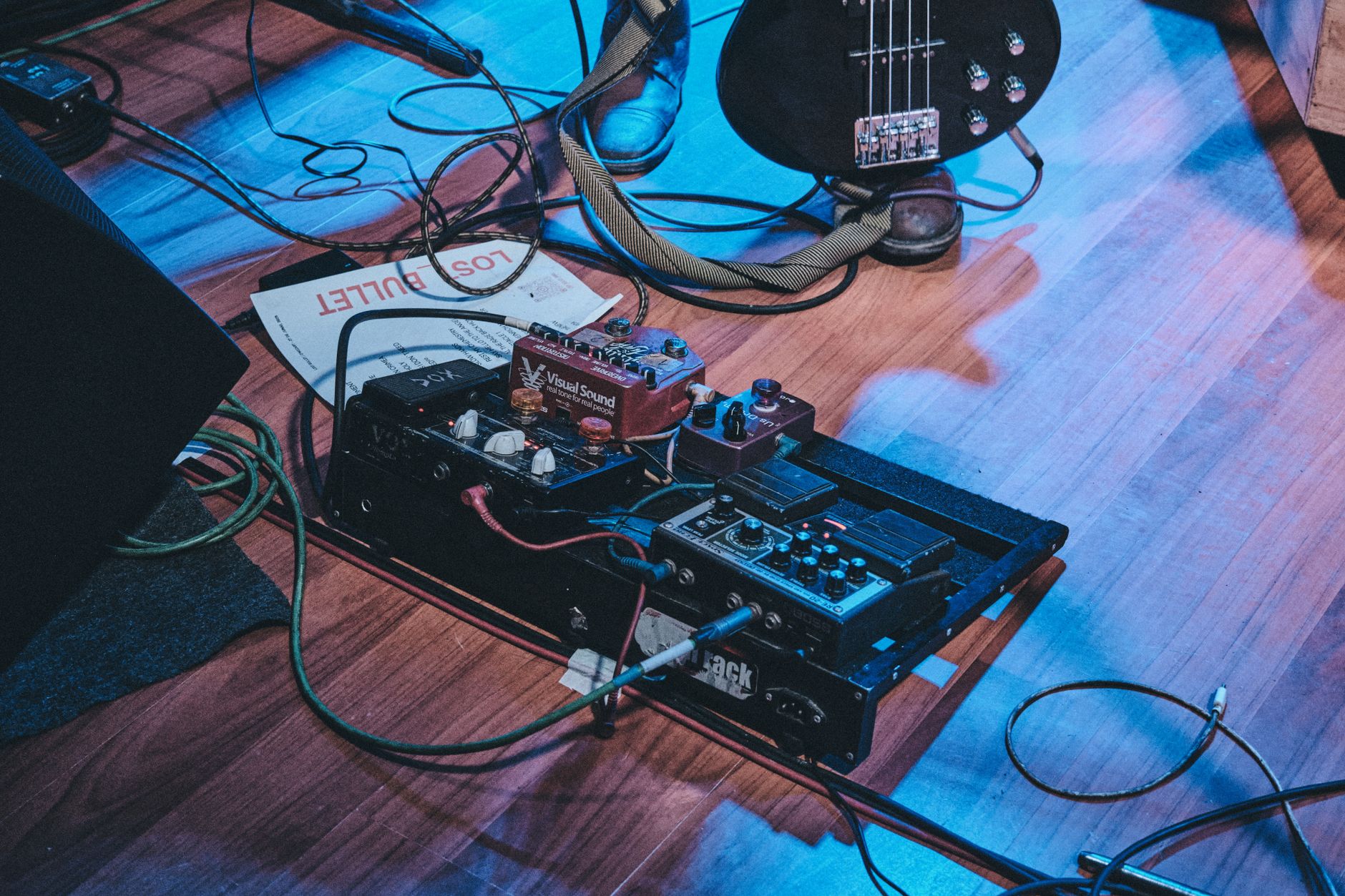
 Photo: Mo Visual via Pexels
The 4th Gen bumped the preamp headroom significantly over the 3rd Gen — the Air mode adds high-frequency presence that suits condenser microphones well without needing a dedicated transformer. On iPad, it draws 2.5W under load (one mic + one instrument simultaneously), comfortably inside the USB-C bus power budget.
The included Focusrite Control 2 app has an iOS version, though it’s not required for basic operation — level matching and monitor mix work from the hardware controls. Latency measured at 5ms round-trip at 44.1kHz/256 buffer in GarageBand, per Focusrite’s published iOS compatibility documentation.
One caveat: the USB-C cable must support audio data, not just charging. Focusrite includes a suitable cable; generic “charge-only” USB-C cables will not pass audio.
Specs
| Spec | Value |
|---|---|
| Connections | USB-C |
| I/O | 1 mic/line in, 1 instrument in, 2 monitor outs |
| Preamps | 1 (69dB gain, Air mode) |
| Bit depth / Sample rate | 24-bit / 192kHz |
| Bus powered | Yes (iPad USB-C confirmed) |
| Best For | Solo vocals, guitar, podcasting |
2. iRig Pro Duo I/O — Best for Portable Two-Input Recording
Two combo XLR/TRS inputs, MIDI I/O, and a form factor designed around iOS and Android use. The iRig Pro Duo I/O runs on AA batteries or bus power, making it the most genuinely portable two-channel option for iPad sessions away from a desk.
The battery option is what separates this from the competition for field recording and mobile production. When the iPad’s bus power budget is tight (a low battery iPad, or running demanding apps), the AA batteries offload the power draw entirely. IK Multimedia’s AmpliTube, GarageBand, and all Core Audio DAWs recognize it immediately on connection.
Preamp quality is competent for the price — published specs show a max gain of 50dB, which is adequate for dynamic microphones in quiet environments but may fall short for ribbon mics or low-output condensers. For those applications, the Scarlett Solo’s 69dB is the better call.
The MIDI in/out ports are a genuine differentiator if you’re connecting hardware synthesizers or drum machines to an iPad rig.
Specs
| Spec | Value |
|---|---|
| Connections | Lightning (with USB-C adapter kit), USB-C |
| I/O | 2 combo XLR/TRS in, 2 line out, MIDI in/out |
| Preamps | 2 (50dB gain) |
| Bit depth / Sample rate | 24-bit / 96kHz |
| Bus powered | Yes + AA battery option |
| Best For | Mobile recording, singer-songwriters, MIDI-connected rigs |
3. Universal Audio Volt 2 — Best Preamp Quality Under $200
The Volt 2 brings UA’s “Vintage” preamp mode — a transformer saturation circuit modeled on UA’s own 610 tube preamp hardware — to a $199 interface. For vocals and acoustic instruments on iPad, nothing in this price range matches the analog color it adds.
 Photo: K via Pexels
Bus power from iPad USB-C works without a powered hub, per UA’s published iOS compatibility notes. At 60dB gain, the preamps handle most condenser and dynamic microphones. The Vintage mode is a toggle, not a wet/dry blend — it’s either fully engaged or bypassed, which is a mild limitation compared to the mix-able saturation on some competitors.
Two inputs, two outputs, and 24-bit/192kHz resolution positions this against the Scarlett 2i2 directly. The deciding factor is tonal preference: the Scarlett leans clean and accurate; the Volt leans warm and slightly colored. Both are correct — it depends on your source material.
Specs
| Spec | Value |
|---|---|
| Connections | USB-C |
| I/O | 2 combo XLR/TRS in, 2 monitor outs, headphone out |
| Preamps | 2 (60dB gain, Vintage mode) |
| Bit depth / Sample rate | 24-bit / 192kHz |
| Bus powered | Yes (iPad USB-C confirmed) |
| Best For | Vocals, acoustic instruments, producers wanting analog character |
4. Focusrite Scarlett 2i2 (4th Gen) — Best Two-Channel Workhorse
The 2i2 adds a second fully independent preamp over the Solo, enabling true stereo recording or simultaneous vocalist + guitarist sessions. It remains the world’s best-selling USB audio interface for good reason: reliable performance, Focusrite’s strong iOS support track record, and a $179 price.
iPad bus power compatibility on the 4th Gen is confirmed for most use cases, though running two high-gain condenser microphones simultaneously can push close to the bus power ceiling on older iPads with lower USB-C output. A powered USB hub resolves this if it becomes an issue — or keep one channel as an instrument input, which draws less power.
The 4th Gen adds a new “Auto Gain” feature (set optimal gain levels via the Focusrite Control 2 app) and a “Safe” mode that prevents clipping from sudden loud transients. Both features work on iOS.
5. Rode AI-Micro — Best for Minimalist and Travel Builds
Two TRRS inputs on a device roughly the size of a USB stick. The Rode AI-Micro is the answer when a full-sized interface is too much — it powers entirely from the iPad, handles two lavalier or headset microphones, and slips into a pocket.
Input quality is limited — TRRS only, no XLR, no phantom power. This is not a microphone-tracking interface for condenser mics. It solves one specific problem: recording two people with lapel mics on an iPad for video, podcast, or field interview work. For that use case, nothing beats it for simplicity and portability.
iPad Audio Interface Comparison Table
| Product | Price | Inputs | iPad Bus Power | Phantom Power | Best For |
|---|---|---|---|---|---|
| Focusrite Scarlett Solo 4th Gen | ~$129 | 1 XLR + 1 inst | Yes | Yes (48V) | Solo home studio |
| iRig Pro Duo I/O | ~$149 | 2 combo XLR/TRS | Yes + battery | Yes (48V) | Mobile/field |
| UA Volt 2 | ~$199 | 2 combo XLR/TRS | Yes | Yes (48V) | Warm vocal sound |
| Focusrite Scarlett 2i2 4th Gen | ~$179 | 2 combo XLR/TRS | Yes (check load) | Yes (48V) | Two-person recording |
| Rode AI-Micro | ~$79 | 2 × TRRS | Yes | No | Video/podcast lav mics |
Which Verdict by User Type
First-time beginner: Focusrite Scarlett Solo. Plug in, open GarageBand, record. The gain structure is forgiving and the included Hitmaker Expansion software bundle (Softube, Antares, and Splice access) adds real value to a starting kit.
Bedroom producer: UA Volt 2 if analog warmth matters to your sound. Scarlett 2i2 if you need two clean inputs for production versatility and want to stay under $200 without compromise.
Gigging musician: iRig Pro Duo I/O. The battery mode, MIDI I/O, and compact form factor make it the only option on this list designed for life outside a studio room.
Prosumer upgrading from entry-level: UA Volt 2 is the ceiling before you’re in Audient iD14 / Apollo Solo territory. If you’re tracking high-value vocals or solo instruments and want the best preamp color in this price range, the Volt 2 earns its premium.
Buying Considerations: What to Check Before You Buy
 Photo: Egor Komarov via Pexels
USB-C vs Lightning vs Adapter
iPad Pro (M1 and later) and iPad Air (M1 and later) use USB-C natively. iPad 10th Gen uses USB-C with USB 2.0 speeds — sufficient for audio, but check that the interface doesn’t require USB 3.0 for higher sample rates. All Lightning iPads (iPad mini 5th Gen and older, iPad Air 3rd Gen and older) require Apple’s Lightning to USB 3 Camera Adapter for standard USB-A interfaces, or the Lightning to USB-C cable for USB-C interfaces.
The adapter is not optional — Apple’s authentication chip must be present. Generic Lightning adapters from non-Apple sources have inconsistent success rates with audio interfaces. Spend the $35 on Apple’s official adapter.
Phantom Power on iPad
48V phantom power for condenser microphones draws additional current. Focusrite and UA have both published confirmed iPad compatibility with phantom power engaged on their current-generation interfaces. When in doubt, check the manufacturer’s iOS compatibility page specifically — not just the general spec sheet.
Sample Rate and App Support
GarageBand caps at 44.1kHz regardless of interface capability. Cubasis, AUM, and other professional iOS DAWs support 96kHz and 192kHz. If you’re tracking for professional delivery at high sample rates, verify your DAW app supports the rate before paying a premium for a 192kHz interface.
Bus Power Realities
iPad USB-C outputs approximately 4.5W. Interfaces with two active preamps, phantom power engaged, and headphone monitoring simultaneously can approach or exceed this. Manufacturer “iPad compatible” claims sometimes mean “works with one input at 44.1kHz” rather than full-capability use. Focusrite and UA publish detailed iOS power draw data; IK Multimedia’s battery backup on the iRig Pro Duo solves the problem entirely.
→ See also:
- Best Audio Interfaces: The Complete Buyer’s Guide (2026)
- Best Audio Interface for Beginners (2026)
- Best Audio Interface Under $100
FAQ
Do all USB audio interfaces work with iPad? Most modern class-compliant USB interfaces work with iPad via Core Audio, but two factors can prevent operation: insufficient bus power (the interface draws more current than the iPad’s USB-C port provides) or a missing Apple authentication chip in the connection adapter. Check the manufacturer’s iOS compatibility documentation before purchasing, not just general USB compatibility claims.
Do I need a special cable for iPad audio interface connection? USB-C iPads (iPad Pro M1+, iPad Air M1+, iPad 10th Gen) connect directly to USB-C interfaces with a standard USB-C cable — but the cable must support data transfer, not just charging. For USB-A interfaces, you need Apple’s USB-C to USB-A Camera Adapter. Lightning iPads require Apple’s Lightning to USB 3 Camera Adapter for USB-A interfaces or a Lightning to USB-C cable for USB-C interfaces.
What is the best free DAW app for audio interfaces on iPad? GarageBand is the default answer — free, full-featured for basic recording, and compatible with every Core Audio interface on this list. Its limitation is the 44.1kHz ceiling and 32-track cap. For professional-grade work with more routing flexibility, AUM ($19.99) as a host combined with audio unit plugins is the most capable free-plus-minimal-paid setup. Cubasis (from $49.99) is the closest to a full desktop DAW experience on iOS.
Will an audio interface reduce latency on iPad compared to the built-in mic? Yes, significantly. The built-in iPad microphone routes through a software audio stack with inherent latency unsuitable for real-time monitoring. A dedicated audio interface with a direct monitoring switch (hardware monitoring) gives you zero-latency playback of your input signal regardless of buffer settings — you hear yourself directly from the hardware, not through the DAW. The Scarlett Solo, 2i2, and Volt 2 all include hardware direct monitoring.
Can I use a USB audio interface with older Lightning iPads in 2026? Yes, with Apple’s Lightning to USB 3 Camera Adapter ($35). The adapter provides a USB-A port and a Lightning charging pass-through. Connect the interface to the USB-A port and your charging cable to the Lightning port — this also solves the bus power problem, since the iPad charges while the interface draws from USB. Most interfaces that work on USB-C iPads also work via this adapter; verify with the manufacturer if you’re using a higher-power two-preamp interface.
Editorial methodology: Assessments are based on manufacturer specifications, published user reviews, and editorial research. Physical hands-on testing is noted explicitly where it occurred. Rankings reflect our editorial judgment and are not influenced by affiliate commission rates. Full editorial policy · Affiliate disclosure