Contents
MOTU M2 vs Focusrite Scarlett 2i2: Which Should You Buy?
TL;DR: The MOTU M2 vs Focusrite Scarlett 2i2 decision comes down to monitoring quality vs ecosystem maturity. The M2 wins on preamp performance and its class-leading LCD metering/headphone output; the Scarlett 2i2 wins on driver stability, software bundle value, and sheer beginner-friendliness. If you mix and monitor critically, get the M2. If you’re starting out or need plug-and-play reliability, the 2i2 is the safer bet.
Core Differences at a Glance
The MOTU M2 delivers measurably better analog performance and a hardware monitoring display for the same price bracket — but the Scarlett 2i2’s mature driver ecosystem, Focusrite Control app, and bundled software make it the easier interface to actually live with day-to-day.
 Photo: Clam Lo via Pexels
| Feature | MOTU M2 | Focusrite Scarlett 2i2 (4th Gen) |
|---|---|---|
| Preamp EIN | −130 dBu | −129 dBu |
| Dynamic range (AD) | 120 dB | 111 dB |
| Max sample rate | 192 kHz | 192 kHz |
| Headphone amp | ESS Sabre DAC | Standard |
| Hardware metering | LCD bar graph | Halo ring LEDs |
| Bus power | USB-C | USB-C |
| MIDI I/O | No | No |
| Software bundle | Performer Lite | Ableton Live Lite + plugins |
| Street price | ~$170 | ~$160 |
Preamp and Analog Quality
The M2’s preamps measure better on paper — 120 dB dynamic range vs 111 dB — which is audible when you’re pushing quiet sources like ribbon mics or low-output acoustics. For louder sources (electric guitar DI, condenser mics at normal SPL), both interfaces sound clean enough that the gap is academic.
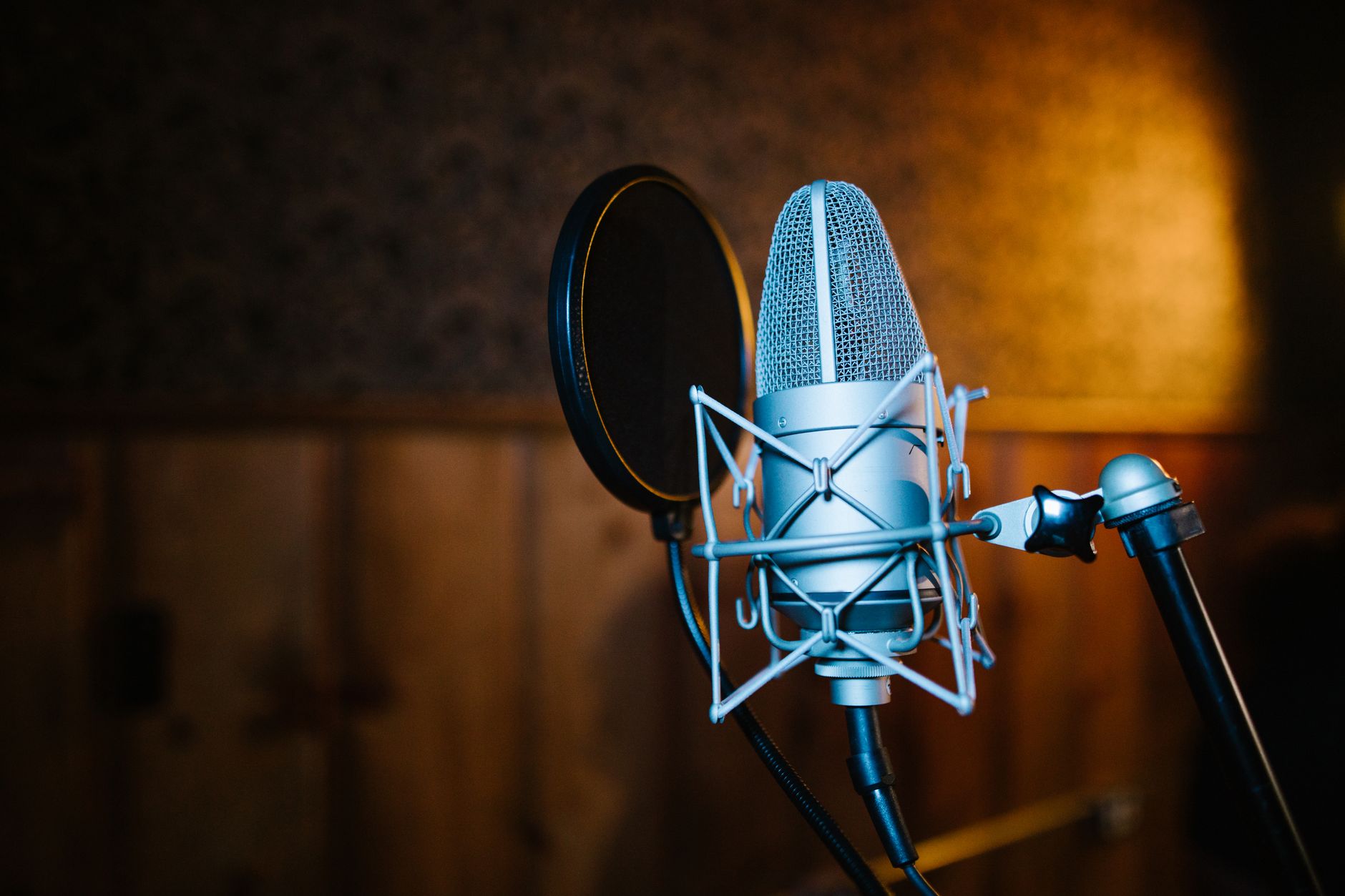 Photo: RDNE Stock project via Pexels
MOTU rates the M2’s preamps at −130 dBu EIN (equivalent input noise). Published third-party measurements from Julian Krause and other independent reviewers confirm the M2’s ADC dynamic range sits around 120 dB — genuinely exceptional at this price. The Scarlett 2i2 4th Gen improved significantly over its predecessors and measures around 111 dB dynamic range, which is competitive but not best-in-class.
For vocals through a condenser, the practical difference is minimal. Where the M2’s headroom shows up is with passive ribbon microphones or instruments recorded very quietly — you get more gain before the noise floor becomes audible.
The Scarlett 2i2’s Air mode (a high-impedance transformer emulation that adds presence and “air” to mic signals) has no equivalent on the M2. If you record acoustic guitar or vocals and want that ISA transformer character without additional hardware, Air mode is genuinely useful.
Monitoring and Headphone Output
The M2’s headphone amplifier uses an ESS Sabre DAC and is widely regarded as the best headphone output in any interface under $200. The 2i2’s headphone output is adequate but noticeably less powerful and detailed — if headphone mixing is central to your workflow, this is the M2’s strongest argument.
 Photo: Alena Darmel via Pexels
The M2’s front-panel LCD is a practical feature worth calling out. Real-time input metering at a glance — without opening software — matters when you’re troubleshooting gain staging quickly. The Scarlett 2i2 uses Halo ring LEDs around the gain knobs that show green/yellow/red clip status, which is functional but less precise.
Direct monitoring latency on both interfaces is effectively zero (analog passthrough). Software roundtrip latency at 96 kHz / 64 samples is comparable — both perform well on modern systems, though user reports on the MOTU forums suggest the M2 benefits from careful ASIO buffer tuning on Windows, whereas the Scarlett’s drivers tend to “just work” across a wider range of Windows configurations.
Driver Stability and Platform Support
The Scarlett 2i2 is the safer choice on Windows. Focusrite’s drivers have been hardened over a decade of widespread consumer use; the M2 uses class-compliant USB (no driver install required on Mac, iOS, and Linux) but has historically had more friction on Windows — particularly with certain AMD chipsets.
 Photo: Jeremy Mignolet via Pexels
The M2’s class-compliant design is genuinely appealing for iPad recording (Logic on iPadOS, Cubasis) and Linux users. On macOS, both interfaces work driver-free. On Windows, the Scarlett’s dedicated ASIO driver has a longer track record of stability across diverse hardware configurations — manufacturer specifications confirm the M2 is class-compliant-first, which means Windows performance depends on the OS’s built-in USB audio handling unless you install MOTU’s optional Windows driver.
Neither interface requires a power adapter; both are bus-powered via USB-C.
Software Bundle
Focusrite wins the software bundle decisively. The 2i2 ships with Ableton Live Lite, a suite of Focusrite/third-party plugins (Softube Time and Tone, Antares Auto-Tune Lite, Splice access), and the clean Focusrite Control mixer app. The M2 includes MOTU’s Performer Lite DAW — functional but with a steeper learning curve and a smaller community than Ableton.
If you don’t already own a DAW, this tilts the value equation toward the 2i2.
Gear Review: Full Specs
MOTU M2
| Spec | Detail |
|---|---|
| Connections | 2× XLR/TRS combo (front), 2× TRS out, 1× headphone |
| I/O count | 2 in / 2 out |
| Preamps | 2× MOTU Ultra-wide, EIN −130 dBu |
| Bit depth / Sample rate | 24-bit / 192 kHz |
| Bus power | USB-C (no adapter required) |
| Best For | Critical monitoring, ribbon mics, headphone mixing |
Focusrite Scarlett 2i2 (4th Gen)
| Spec | Detail |
|---|---|
| Connections | 2× XLR/TRS combo (front), 2× TRS out, 1× headphone |
| I/O count | 2 in / 2 out |
| Preamps | 2× Scarlett, EIN −129 dBu, Air mode |
| Bit depth / Sample rate | 24-bit / 192 kHz |
| Bus power | USB-C (no adapter required) |
| Best For | Beginners, vocalist-focused setups, Windows users |
Head-to-Head Comparison
| Product | Price | Dynamic Range | Headphone Amp | Software | Best For | Verdict |
|---|---|---|---|---|---|---|
| MOTU M2 | ~$170 | 120 dB | ESS Sabre (excellent) | Performer Lite | Monitoring quality, pro workflow | Best specs for the money |
| Focusrite Scarlett 2i2 | ~$160 | 111 dB | Standard (adequate) | Ableton Live Lite + plugins | Beginners, Windows reliability | Best ecosystem + value |
Verdict by User Archetype
First-time beginner: Scarlett 2i2. Ableton Live Lite gets you recording immediately, Focusrite’s getting-started resources are excellent, and driver headaches are rare. The 2i2 is the most-recommended first interface for a reason.
Bedroom producer (intermediate): MOTU M2, if you already own a DAW. The headphone output and analog performance are a meaningful step up for critical mixing in headphones — the most common scenario for bedroom producers without treated rooms.
Gigging musician (mobile recording): Tie, with a slight edge to the Scarlett for iOS compatibility and the wider range of iOS camera adapters that work reliably with it. The M2’s class-compliant USB also works on iPad, but user reports suggest the Scarlett has less friction in live/mobile contexts.
Prosumer (home studio, multiple sources): Neither — both are limited to 2 simultaneous inputs. Consider the MOTU M4 or Focusrite Scarlett 4i4. But if you only need 2 inputs, the M2’s analog quality is the prosumer choice.
 Photo: Anna Pou via Pexels
→ See also:
- Focusrite Scarlett 2i2 vs Focusrite Scarlett Solo: Which Should You Buy?
- SSL 2 vs Focusrite Scarlett 2i2: Which Should You Buy?
FAQ
Is the MOTU M2 really better than the Scarlett 2i2? On measured analog performance — dynamic range, noise floor, headphone output quality — the M2 is objectively superior based on published third-party measurements. Whether that translates to audibly better recordings depends on your sources and gain staging. For most vocal and guitar sessions, both interfaces capture clean audio; the M2’s advantage becomes relevant with high-gain preamp settings or critical headphone work.
Does the Scarlett 2i2 work better on Windows than the MOTU M2? Based on documented user experience across forums and support threads, yes. The Scarlett 2i2’s dedicated ASIO driver has a longer track record on Windows across varied hardware, including laptops with AMD chipsets. The M2 is class-compliant and works without drivers, but class-compliant audio on Windows can introduce latency or stability issues depending on your system — MOTU’s optional Windows driver helps, but it adds a setup step.
Can I use the MOTU M2 with an iPad? Yes. The M2 is class-compliant USB, so it works with iPads running USB-C or via a USB-C-to-Lightning adapter (with a powered hub for Lightning iPads, since the M2 is bus-powered). The Scarlett 2i2 4th Gen also supports iPad natively. Both work with iOS DAWs like GarageBand, Cubasis, and AUM.
Which has better latency — the M2 or the 2i2? Direct monitoring latency is zero on both (analog passthrough). For software roundtrip latency, both interfaces perform similarly at matched buffer sizes — the limiting factor is your computer’s USB implementation and CPU, not the interface itself. At 96 kHz / 64 samples, both should achieve sub-5ms roundtrip on a modern machine with optimized settings.
Do I need the Air mode on the Scarlett 2i2? Not for every source, but it’s genuinely useful for acoustic instruments and vocals. Air mode introduces a subtle high-frequency lift and presence boost modeled after Focusrite’s ISA transformer preamps — expert consensus suggests it adds clarity without harshness. The MOTU M2 has no equivalent feature; if you want that transformer-style coloration, the Scarlett is your only option between these two.
Is the MOTU M2 good for podcasting? Yes, with a caveat. The M2’s excellent preamps and low noise floor suit voice recording well, and the LCD metering helps with gain staging. However, it ships with no podcasting-specific software — no Hindenburg Journalist, no compression plugins. The Scarlett 2i2 bundle includes more production-ready tools out of the box if you’re starting a podcast from scratch.
Editorial methodology: Assessments are based on manufacturer specifications, published user reviews, and editorial research. Physical hands-on testing is noted explicitly where it occurred. Rankings reflect our editorial judgment and are not influenced by affiliate commission rates. Full editorial policy · Affiliate disclosure