Contents
Mixing on Headphones vs Monitors: Which Should You Use?
TL;DR: For most home studio setups, mixing on headphones vs monitors isn’t an either/or — the best mixes use both. Monitors reveal real-world playback and low-end relationships; headphones expose stereo detail and quiet mistakes. If you can only choose one, closed-back studio headphones beat budget monitors in untreated rooms.
Should You Mix on Headphones or Studio Monitors?
The honest answer: use monitors as your primary reference and headphones to cross-check. If your room is untreated — bare walls, parallel surfaces, no bass traps — flip that. A $150 pair of studio headphones will outperform a $400 pair of monitors fighting a room with a 200 Hz buildup.
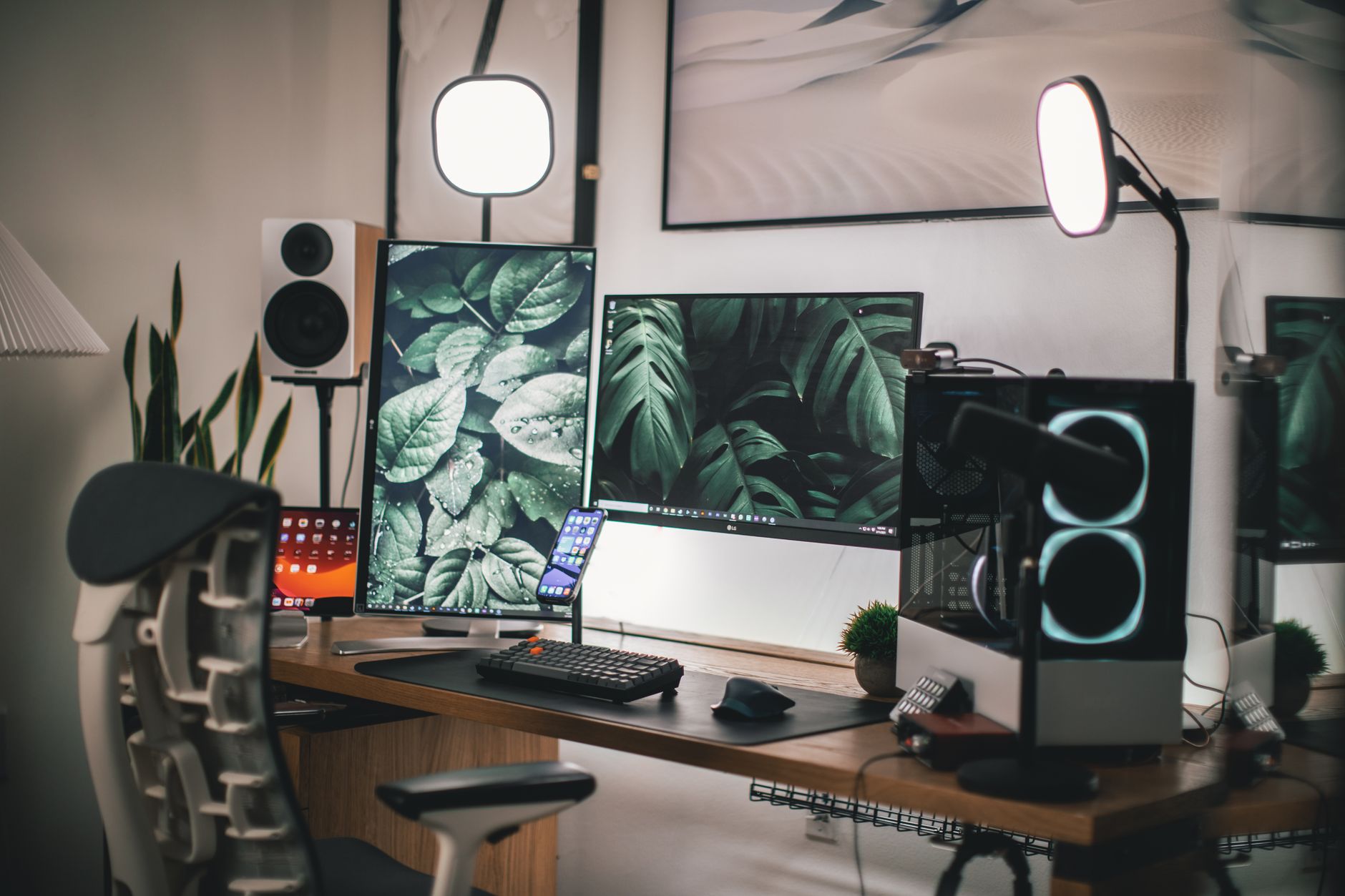 Photo: Roberto Nickson via Pexels
Room acoustics determine which tool wins. Monitors reproduce sound into your room, so every reflection, flutter echo, and bass node becomes part of what you hear. Headphones bypass the room entirely — the sound goes straight to your ears. That’s both a strength and a problem.
The professional workflow isn’t religious about either. Engineers at Abbey Road reference on NS10s, then check on headphones, earbuds, and phone speakers before a mix is done. Recreate that chain at home and your mixes will translate.
Why Room Acoustics Change Everything
Untreated rooms are the number-one reason bedroom mixes don’t translate. Low-frequency buildup from parallel walls makes bass sound louder than it is. You turn it down, play the track in a car, and the kick disappears. No monitor upgrade fixes this — treatment does.
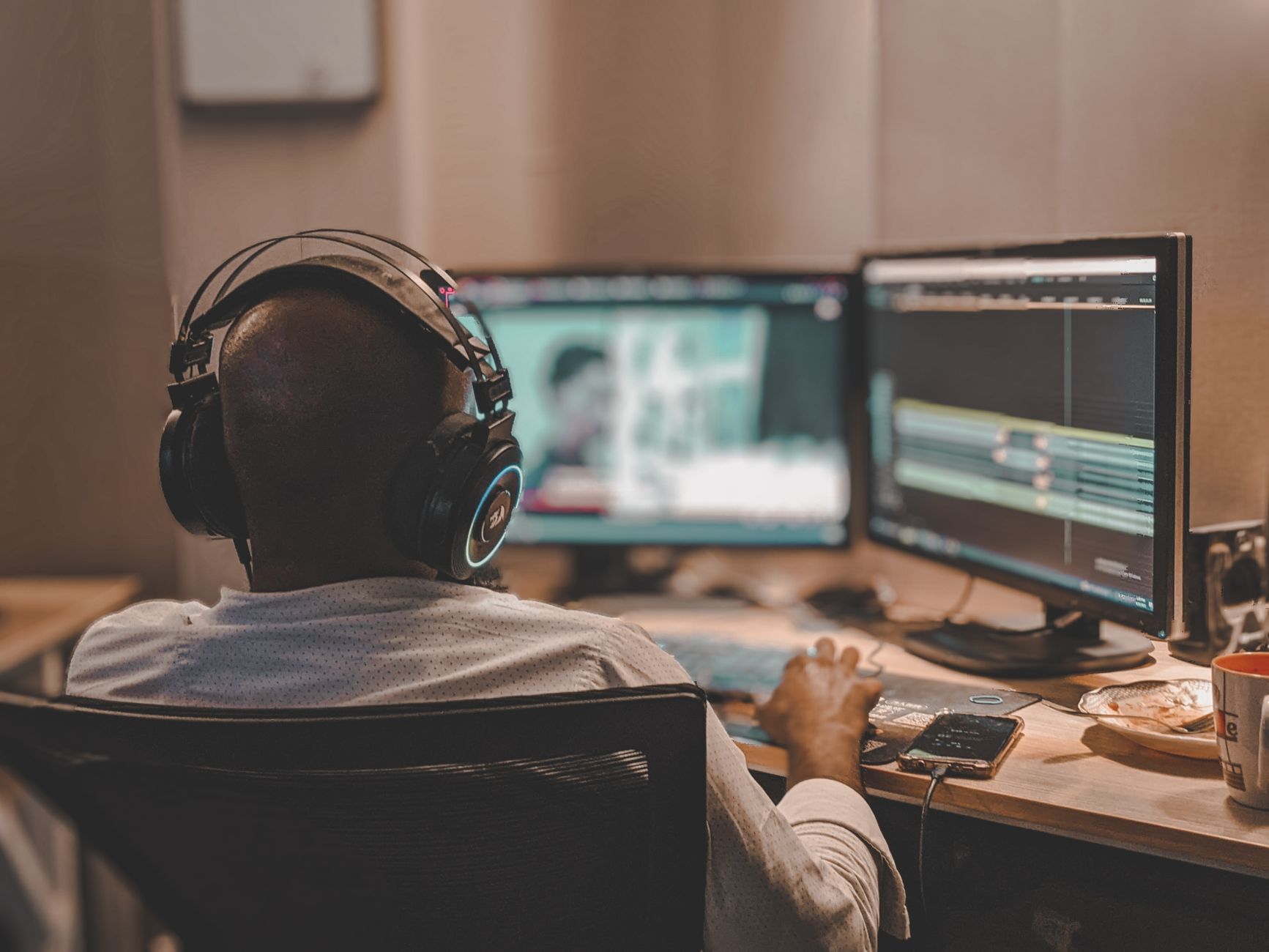
 Photo: Yao L via Pexels
Published room measurement data from studio design firms consistently shows that untreated rectangular rooms produce standing waves between 80–200 Hz. That’s exactly the range where kick drums, bass guitars, and synth subs live. Headphones, by comparison, have a flat-ish bass response that doesn’t suffer from the room — though they introduce their own frequency coloration depending on the driver design.
If you’re mixing on monitors in an untreated space, you need reference tracks. A/B your mix against three commercial tracks in the same genre, in the same DAW, and at matched loudness. This won’t fix the room, but it calibrates your ears to what’s normal in that environment.
Signs Your Room Is Lying to You
Watch for these patterns — they point to room problems rather than mix problems:
- Bass sounds fine on your monitors but disappears on earbuds
- You keep boosting low mids trying to add warmth, but the mix sounds muddy everywhere else
- Mixes sound fine at night but off during the day (temperature changes affect room modes slightly, but more likely it’s your ears fatiguing differently)
The Case for Headphones in Home Recording
Headphones excel at stereo imaging, detail work, and catching problems — clicks, breaths, tuning issues, subtle distortion — that monitors in reverberant rooms can hide. They’re also the only option when tracking at night or sharing a space.
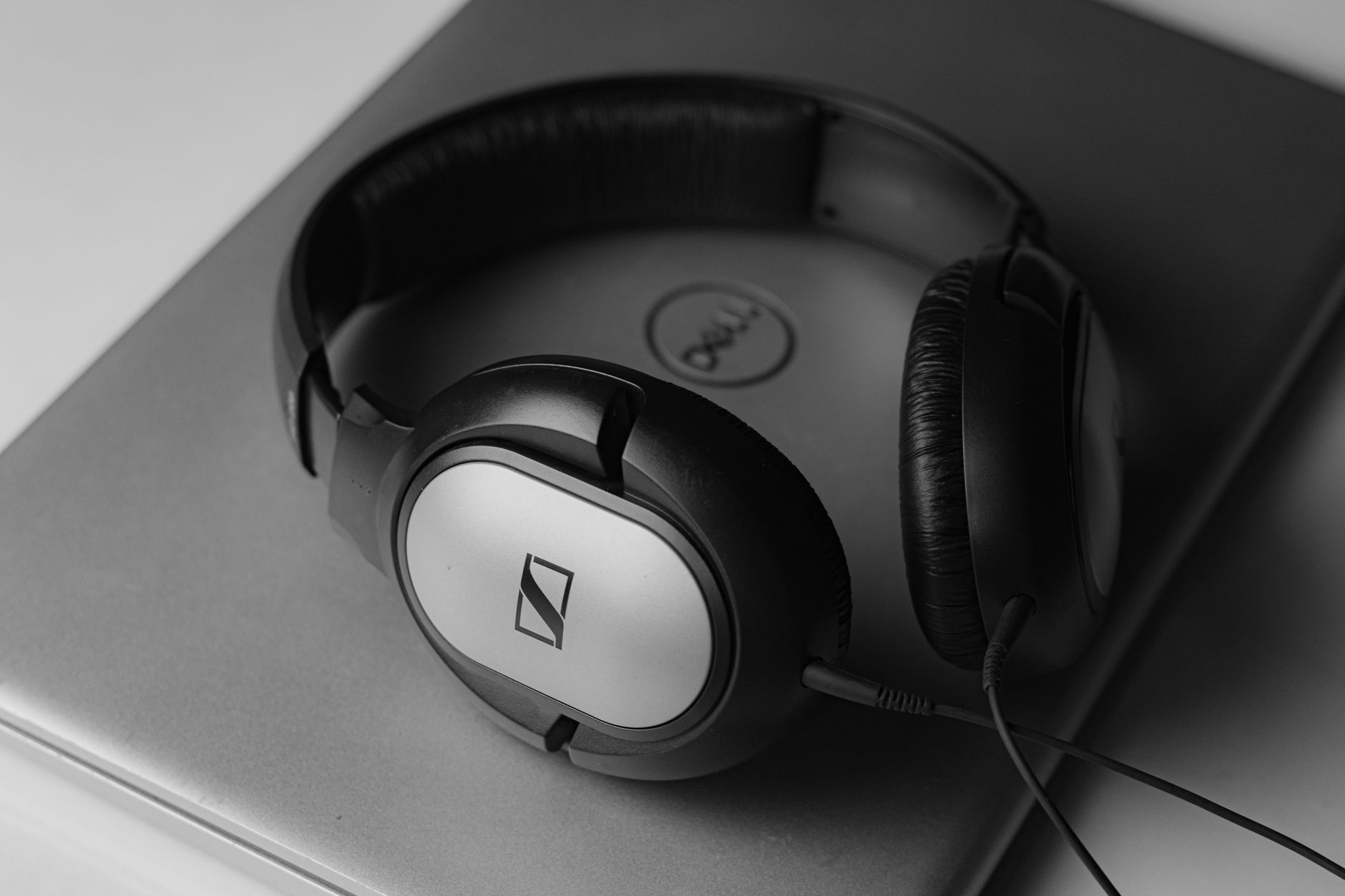 Photo: Shantanu Kumar via Pexels
The Sennheiser HD 650 and Beyerdynamic DT 990 Pro are two of the most recommended open-back headphones for mixing, with frequency responses that have been independently measured and published by sites like Rtings and the Harman Institute. The HD 650’s slight mid-range warmth works in its favor for mixing vocals; the DT 990’s elevated highs can expose harshness in mixes but requires experience to interpret.
The core limitation of headphones for mixing is unnatural stereo. Human hearing uses inter-aural time difference and head-related transfer functions (HRTFs) to place sounds in space. Headphones deliver the left channel only to the left ear and the right only to the right — no crossfeed. The result is an exaggerated stereo field where elements feel “in your head” rather than in front of you. Wide pans that sound exciting on headphones can sound thin on speakers.
Crossfeed plugins like 112dB Redline Monitor or Goodhertz CanOpener attempt to simulate speaker listening on headphones by mixing a small amount of each channel into the other. Expert consensus among mixing engineers suggests they reduce headphone fatigue and improve panning decisions, though they can’t fully replicate the acoustic behavior of speakers in a room.
Headphone Specs Worth Understanding
| Spec | Open-Back | Closed-Back | What It Means for Mixing |
|---|---|---|---|
| Soundstage | Wide, airy | Narrow, focused | Open = better for spatial decisions |
| Isolation | Minimal | High | Closed = tracking, late-night work |
| Bass accuracy | Varies | Often hyped | Open designs typically more accurate |
| Ear fatigue | Lower (generally) | Higher on long sessions | Closed creates pressure buildup |
The Case for Studio Monitors
Monitors reproduce how sound behaves in physical space, which is how music is heard by most listeners. They also let you check low-end extension below 40 Hz that headphones with smaller drivers often roll off, and they don’t cause the stereo imaging confusion that headphones introduce.
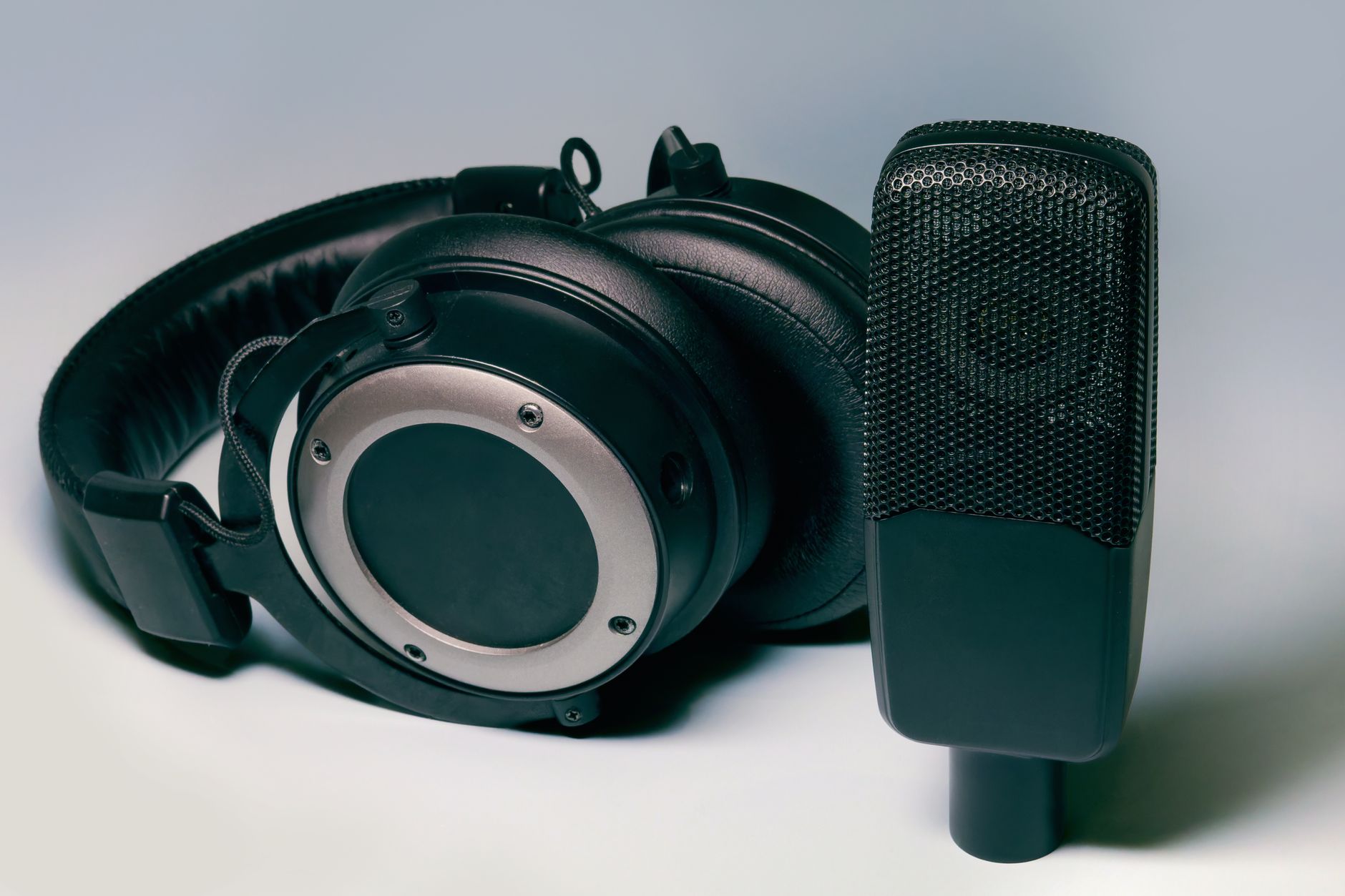 Photo: Primitive Spaces via Pexels
The Yamaha HS5 and Adam Audio T5V are consistently recommended entry-level nearfield monitors. According to manufacturer specifications and published reviews in Sound On Sound and MusicRadar, the HS5 is deliberately “unforgiving” — it doesn’t flatter recordings, which forces better decisions. The T5V’s ribbon tweeter (AMT design) delivers extended high-frequency detail that’s audible in the top octave on cymbals and acoustic sources.
Monitor placement matters as much as the monitors themselves. The standard nearfield setup positions both speakers and your head at the three corners of an equilateral triangle, with tweeters at ear height and aimed at your ears. Placing monitors against a wall or in a corner adds bass buildup (boundary reinforcement) that distorts your low-end perception.
Monitor Comparison: Entry-Level Nearfields
| Product | Price | Low End | Input Options | Power | Best For |
|---|---|---|---|---|---|
| Yamaha HS5 | ~$200/each | 54 Hz | XLR, TRS | 70W biamp | Critical mixing, unforgiving reference |
| Adam Audio T5V | ~$170/each | 45 Hz | XLR, RCA | 50W | Detail work, extended highs |
| KRK Rokit 5 G4 | ~$180/each | 43 Hz | XLR, TRS | 55W | Balanced all-rounder |
| PreSonus Eris E5 XT | ~$130/each | 53 Hz | XLR, TRS | 45W | Budget home studio |
How to Use Both: A Practical Cross-Reference Workflow
Check on monitors first to get the overall balance and low-end right, then switch to headphones to catch detail issues — clicks, phase problems, tuning, and stereo width — then back to monitors to confirm nothing broke. Add a phone speaker check before export.
A practical session workflow:
- Rough balance — monitors at moderate volume, get the fundamental balance of elements sitting together
- Carve frequencies — still on monitors; EQ decisions in low mids need real-world room interaction to validate
- Detail pass — switch to headphones; automate breaths, fix timing issues, check reverb tails for artifacts
- Stereo check — headphones; verify no elements are stuck hard-panned in a way that’ll sound off on mono playback
- Mono check — either source, but mono button engaged; confirm nothing phase-cancels
- Final translation — AirPods, car speakers, laptop speakers; adjust until it holds on all three
This isn’t perfectionism. It’s the minimum viable reference chain that catches 90% of translation problems before they reach the listener.
Gear Review: Studio Headphones for Mixing
Specifications
| Sennheiser HD 650 | Beyerdynamic DT 990 Pro | Sony MDR-7506 | |
|---|---|---|---|
| Type | Open-back | Open-back | Closed-back |
| Impedance | 300 Ω | 250 Ω | 63 Ω |
| Freq. Response | 10–41,000 Hz | 5–35,000 Hz | 10–20,000 Hz |
| SPL | 103 dB | 96 dB | 106 dB |
| Cable | Detachable | Fixed | Coiled/straight |
| Best For | Mix referencing | Detail/critical listening | Tracking |
Verdict by User Type
First-time beginner: Sony MDR-7506 — closed-back, affordable, works without a headphone amp, industry-standard for tracking. Its high-mid peak is well-documented; once you know it’s there, you can compensate.
Bedroom producer: Beyerdynamic DT 990 Pro — the elevated highs expose mix problems early. Pairs well with a modest interface like the Focusrite Scarlett Solo. Requires a headphone amp for 250 Ω version.
Gigging musician / tracking live: Closed-back only. Sennheiser HD 280 Pro or Audio-Technica ATH-M50x — isolation keeps bleed off the mic while monitoring.
Prosumer / serious home studio: Sennheiser HD 650 alongside an entry-level pair of nearfields. At this level, both tools are necessary. Consider adding a crossfeed plugin for the headphone chain.
→ See also:
- Best Studio Headphones for Home Recording (2026)
- Best Studio Headphones Under $100
- Best Headphones for Music Production
FAQ
Can you get a professional mix entirely on headphones? Yes — engineers like Trent Reznor and many modern pop producers have completed professional releases primarily on headphones. The key is extensive reference track comparison and understanding your headphones’ specific frequency signature so you can compensate for it.
Do you need an expensive audio interface to use studio headphones? For headphones under 80 Ω impedance, a basic interface like the Focusrite Scarlett Solo works fine. High-impedance headphones (250 Ω, 300 Ω) need more voltage — a dedicated headphone amp or an interface with a high-power headphone output like the Universal Audio Volt series or Audient iD4.
What’s the difference between studio headphones and regular headphones for mixing? Consumer headphones are tuned for enjoyment — boosted bass and elevated highs that make everything sound exciting. Studio headphones target a flatter frequency response so problems in a mix are audible rather than masked. The Harman curve research (published by Sean Olive, Harman International) documents what “neutral” listener preference looks like and informs most modern studio headphone design.
How do I know if my monitors are accurately representing my mix? A/B against three to five commercial reference tracks in the same genre at matched loudness (use a loudness meter, not the volume knob). If your mix’s low end, vocal level, and overall brightness don’t sit in the same ballpark, either your room is coloring the sound or your monitoring chain needs recalibration.
Is it bad to mix at high volume on headphones? Yes — sustained SPL above 85 dB causes temporary hearing threshold shifts within minutes, and permanent damage with prolonged exposure. Published guidelines from the WHO and audio industry organizations recommend mixing at 75–79 dB SPL for monitor work, and taking a 10-minute break every hour. Headphone listening at high volume is riskier than monitors because there’s no distance between driver and eardrum.
What about spatial audio or binaural plugins — do they make headphone mixing more accurate? Binaural rendering tools like Waves NX, Sonarworks SoundID Reference, and Waves Abbey Road Studio 3 apply head-related transfer function (HRTF) processing to simulate speaker listening on headphones. According to published user studies by Sonarworks, mixes made with headphone correction software translate more consistently than uncorrected headphone mixes. They’re not perfect, but they reduce the stereo exaggeration problem meaningfully.
Editorial methodology: Assessments are based on manufacturer specifications, published user reviews, and editorial research. Physical hands-on testing is noted explicitly where it occurred. Rankings reflect our editorial judgment and are not influenced by affiliate commission rates. Full editorial policy · Affiliate disclosure