Contents
Akai MPK Mini MK3 vs Arturia MiniLab 3: Which Should You Buy?
TL;DR: In the akai mpk mini mk3 vs arturia minilab 3 debate, the MPK Mini MK3 wins for producers who prioritize playability and standalone workflow, while the MiniLab 3 is the stronger pick for DAW-integrated production using Arturia software. Both cost around $100 and pack 25 mini-keys, 8 pads, and 8 knobs — the differences come down to build quality, software bundles, and how you work.
Who Are These Keyboards Actually For?
Direct Answer: Both controllers target beginner-to-intermediate producers who need a compact, bus-powered MIDI controller under $100. The MPK Mini MK3 leans toward beat-makers and general MIDI control; the MiniLab 3 leans toward producers already in the Arturia ecosystem or anyone who wants more refined key feel out of the box.
 Photo: Egor Komarov via Pexels
The 25-mini-key form factor is the most popular in home recording because it fits in a backpack, draws power from USB, and costs less than a month of streaming subscriptions. That’s exactly what both controllers deliver — but they make different choices about what to do with those constraints.
The MPK Mini MK3 has been the go-to recommendation in this category for years, and for good reason: it’s reliable, has a straightforward layout, and works with everything. The MiniLab 3, released in 2022 as a significant update over the MiniLab MkII, pushed back hard with better keys, a cleaner aesthetic, and a genuinely impressive software bundle.
Build Quality and Key Feel
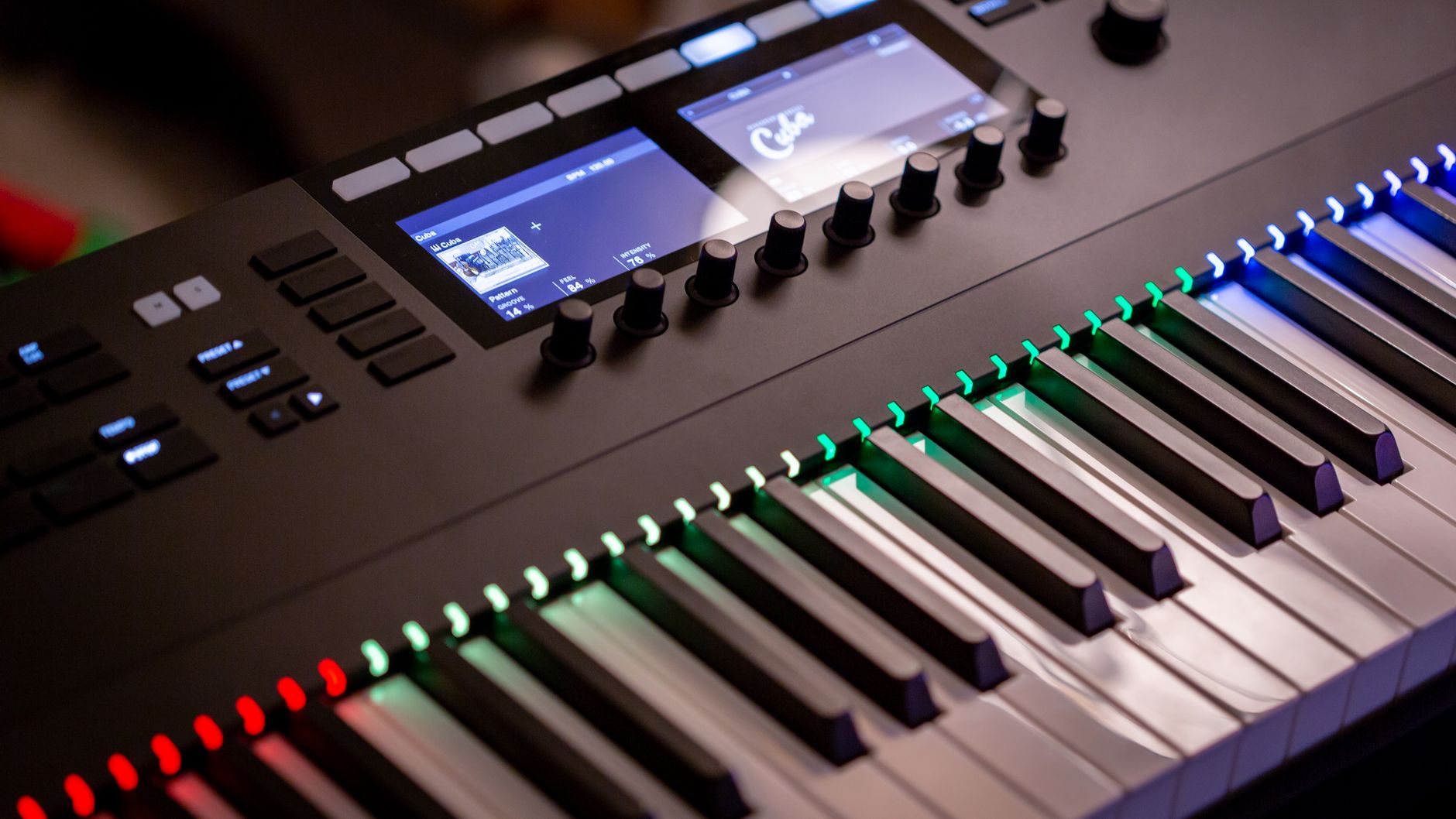
Direct Answer: The MiniLab 3’s keys have a more satisfying action than the MPK Mini MK3 — they’re slightly larger, have better travel, and feel closer to a real synth. The MPK Mini MK3’s keys are functional but noticeably cheaper-feeling. For anyone who plays melodic parts, this matters.
 Photo: Abdulvahap Demir via Pexels
Arturia redesigned the MiniLab 3’s keybed specifically to address the MkII’s weak point. The result is synth-action keys that feel responsive without being mushy. Key width is slightly wider than the MPK’s, which makes two-hand playing more manageable for producers with average-sized hands.
The MPK Mini MK3’s keybed is adequate for single-note melodic input and octave-shifted chord work, but anyone coming from a full-size keyboard will feel the compromise immediately. That said, at this price point, neither controller replaces a proper 49- or 61-key synth action.
For the pads, the MPK Mini MK3 has a clear edge. Its 8 RGB backlit pads are larger, more responsive, and better suited for live triggering and finger-drumming than the MiniLab 3’s smaller, less sensitive pads. If beats and samples are your primary workflow, this is the decisive factor.
| Feature | Akai MPK Mini MK3 | Arturia MiniLab 3 |
|---|---|---|
| Keys | 25 mini synth-action | 25 mini synth-action (wider) |
| Key feel | Functional, light | More refined, better travel |
| Pads | 8 RGB, velocity-sensitive | 8 smaller, less sensitive |
| Knobs | 8 endless rotary | 8 endless rotary |
| Joystick | Yes (pitch/mod) | No (uses mod strip) |
| Pitch/Mod | 4-way joystick | Touch capacitive strips |
| Build material | Plastic | Plastic, rubber grip accents |
Software Bundle: MiniLab 3 Wins Here
Direct Answer: The MiniLab 3’s software bundle is substantially more valuable — it includes Ableton Live Lite, Analog Lab V with 500+ presets, and access to Arturia’s Piano V and other instruments. The MPK Mini MK3 comes with MPC Beats and a handful of plugins that most producers will use briefly and then ignore.
 Photo: Daniil Komov via Pexels
Arturia’s Analog Lab V alone would justify most of the price difference if you had to buy it separately. It’s a preset browser for Arturia’s entire synthesizer emulation library — instantly playable, sounds genuinely good, and integrates tightly with the MiniLab 3’s controls. When you load a preset, the 8 knobs automatically map to the most useful parameters for that sound.
The MPK Mini MK3 comes with MPC Beats, Akai’s DAW, which is functional for beat production but lacks the depth of Ableton or Logic. It also includes SONiVOX Twist, Hybrid 3, and a few other plugins — useful for beginners, but not the kind of software that sticks around once you upgrade your setup.
If you’re already committed to a DAW (Ableton, Logic, FL Studio, Reaper), the software bundle is a secondary concern. Both controllers work as standard class-compliant USB MIDI devices — no drivers needed, plug and play on Mac and Windows. But if you’re still building your software stack, the MiniLab 3 bundle gives you more to work with.
Workflow: Joystick vs. Touch Strips
Direct Answer: The MPK Mini MK3’s 4-way joystick is more intuitive for real-time pitch bend and modulation than the MiniLab 3’s capacitive touch strips — especially for guitar and synth leads. The touch strips on the MiniLab 3 are a preference split: some producers love them, others find them imprecise.
This is the most polarizing design difference between the two controllers. Akai’s joystick is a familiar, tactile control — push left/right for pitch, forward/back for mod. It’s easy to use one-handed while your other hand plays keys.
Arturia’s capacitive strips require you to maintain contact and slide along a surface. Published user feedback suggests the strips feel less natural for pitch bends but work well for slowly sweeping modulation. The strips take up less physical space, which contributes to the MiniLab 3’s cleaner front panel.
Akai MPK Mini MK3: Full Specs and Verdict
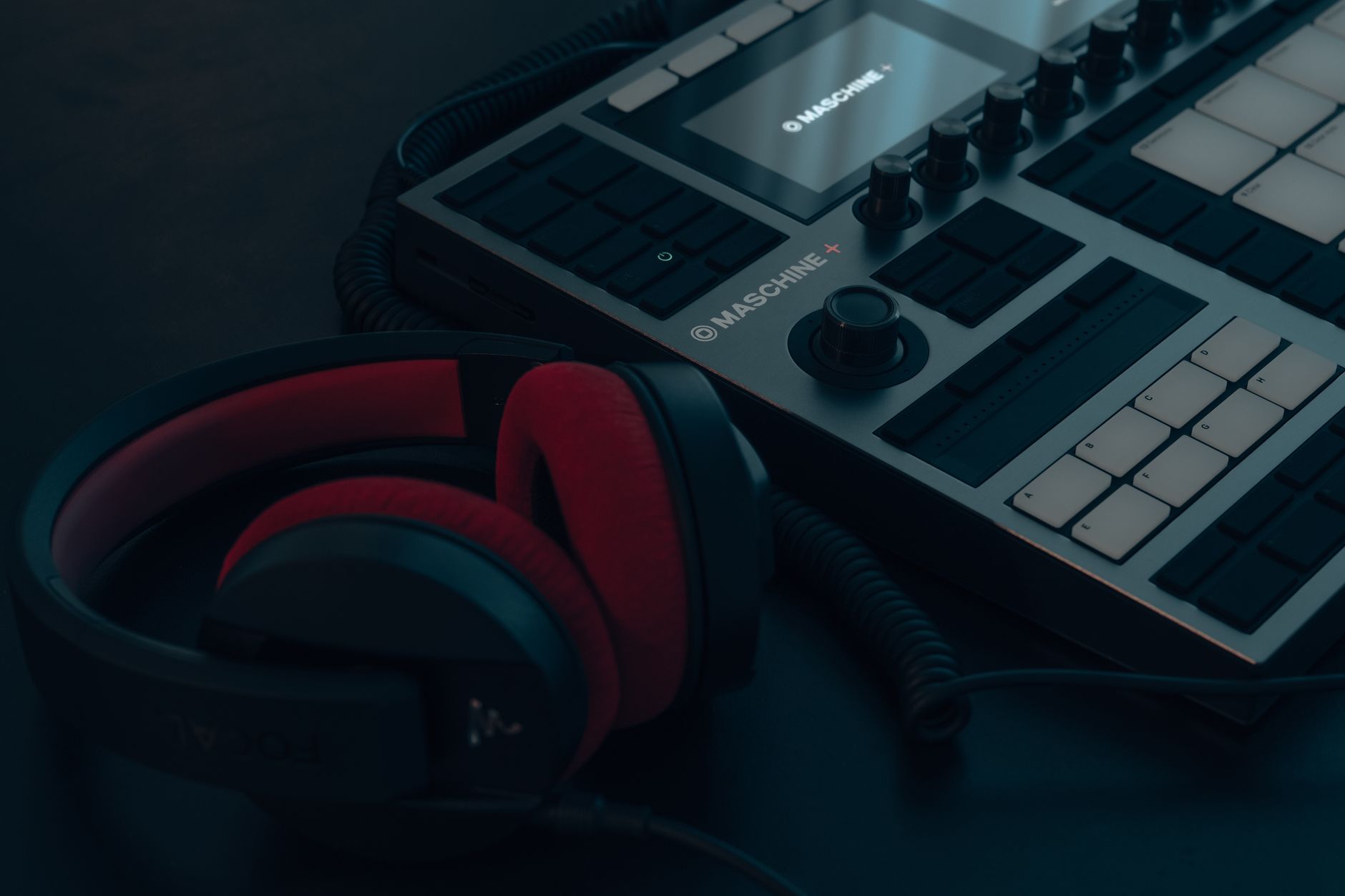 Photo: Egor Komarov via Pexels
| Spec | Detail |
|---|---|
| Keys | 25 mini synth-action |
| Pads | 8 RGB velocity-sensitive |
| Knobs | 8 endless rotary |
| Pitch/Mod | 4-way joystick |
| Arpeggiator | Yes |
| Bus power | USB |
| Compatibility | Mac / Windows / iOS (Camera Kit) |
| Software | MPC Beats, SONiVOX Twist, Hybrid 3 |
| Weight | 0.56 kg |
Verdict by archetype:
- First-time beginner: Strong pick — simple layout, no driver install, works with any DAW immediately
- Bedroom producer (beat-focused): Best option in this comparison — larger pads and joystick suit this workflow
- Gigging musician: Reliable for live MIDI triggering; joystick is safer to control in motion
- Prosumer: Fine as a secondary controller; you’ll want more keys eventually
Arturia MiniLab 3: Full Specs and Verdict
| Spec | Detail |
|---|---|
| Keys | 25 mini synth-action (wider) |
| Pads | 8 velocity-sensitive RGB |
| Knobs | 8 endless rotary |
| Pitch/Mod | Capacitive touch strips |
| Arpeggiator | Yes |
| Bus power | USB |
| Compatibility | Mac / Windows / iOS (Camera Kit) |
| Software | Ableton Live Lite, Analog Lab V, Piano V |
| Weight | 0.68 kg |
Verdict by archetype:
- First-time beginner: Excellent — better keys and Ableton Live Lite is a better starting DAW than MPC Beats
- Bedroom producer (melody/synth-focused): Top pick — Analog Lab V integration is immediately useful
- Gigging musician: Capacitive strips can be unreliable in live contexts; MPK Mini’s joystick is safer
- Prosumer: Analog Lab V preset integration makes this worth keeping even after upgrading controllers
Head-to-Head Comparison
| Akai MPK Mini MK3 | Arturia MiniLab 3 | |
|---|---|---|
| Street price | ~$99 | ~$99 |
| Keys | 25 mini | 25 mini (wider) |
| Key feel | Adequate | Better |
| Pads | Better (larger, more responsive) | Adequate |
| Pitch/Mod | Joystick (intuitive) | Touch strips (divisive) |
| Software bundle | MPC Beats + basic plugins | Ableton Live Lite + Analog Lab V |
| DAW integration | Universal | Tighter with Arturia suite |
| Best for | Beat production, universal use | Melodic production, Arturia ecosystem |
| Verdict | Buy if pads matter most | Buy if software and keys matter most |
Which Should You Buy?
Get the Akai MPK Mini MK3 if: You make beats, you trigger samples and loops live, you want a joystick over touch strips, or you’re dropping this into an existing software setup and only need a reliable hardware interface.
Get the Arturia MiniLab 3 if: You play melodic parts regularly, you’re still building your software stack and want Ableton Live Lite plus Analog Lab V, or you want the better key feel and don’t rely heavily on pads.
Neither is wrong. The akai mpk mini mk3 vs arturia minilab 3 decision comes down to your workflow, not a quality gap — both are well-made controllers at an honest price point.
→ See also:
- Focusrite Scarlett 2i2 vs Focusrite Scarlett Solo: Which Should You Buy?
- SSL 2 vs Focusrite Scarlett 2i2: Which Should You Buy?
FAQ
Is the Arturia MiniLab 3 compatible with all DAWs? Yes — the MiniLab 3 is class-compliant USB MIDI and works with any DAW on Mac or Windows without drivers. The tighter Analog Lab V integration is a bonus on top of standard MIDI functionality, not a requirement.
Can the Akai MPK Mini MK3 work without a computer? No — like the MiniLab 3, the MPK Mini MK3 requires a USB host to power it and pass MIDI data. Both controllers also work with iOS devices via Apple’s USB Camera Adapter, making them viable for mobile production setups.
Do both controllers have an arpeggiator? Yes. Both the MPK Mini MK3 and MiniLab 3 include onboard arpeggiators with adjustable rate, octave range, and pattern modes. According to documented specs, the MPK Mini MK3’s arpeggiator also includes a Note Repeat function specifically designed for pad-based rhythmic patterns.
Is Ableton Live Lite worth using as a beginner? Based on expert consensus, Ableton Live Lite is one of the better starter DAWs — the workflow translates directly to the full version of Live, and the session view is genuinely useful for loop-based production. The MiniLab 3 bundle’s inclusion of Live Lite is a meaningful advantage for producers who haven’t committed to a DAW yet.
Can I use the MPK Mini MK3 with FL Studio or Logic Pro? Yes. Both controllers map to FL Studio, Logic Pro, Ableton, Reaper, and all other major DAWs via standard MIDI. FL Studio and Logic Pro users gain nothing extra from the MiniLab 3’s Arturia software integration — the MPK Mini MK3 is an equally valid choice for those workflows.
Which controller has better build quality for gigging? According to manufacturer specifications and user reviews, the MPK Mini MK3 has a slight edge for live use — its joystick is more reliable under movement than the MiniLab 3’s capacitive touch strips, which can be sensitive to sweat and accidental contact. Both are bus-powered and portable, but the MPK’s physical controls are more predictable in unpredictable environments.
Editorial methodology: Assessments are based on manufacturer specifications, published user reviews, and editorial research. Physical hands-on testing is noted explicitly where it occurred. Rankings reflect our editorial judgment and are not influenced by affiliate commission rates. Full editorial policy · Affiliate disclosure